admin@technicalrvijay.com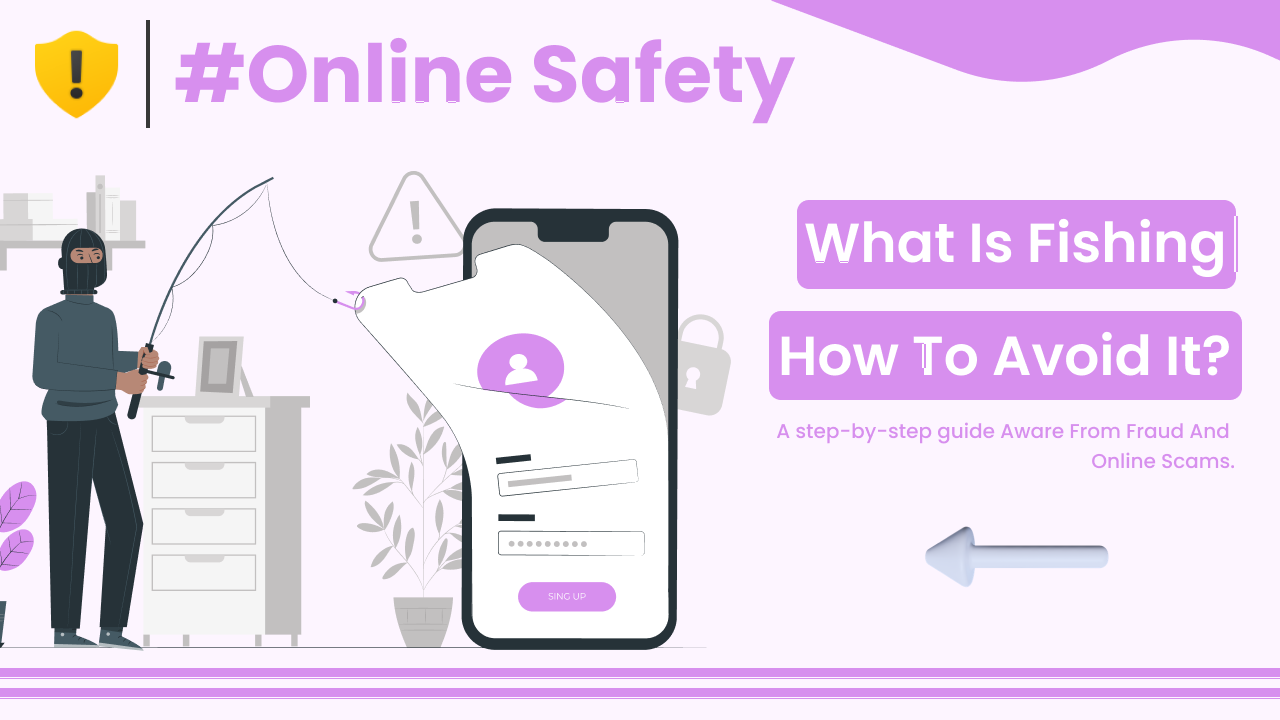
You check your email and see a message that says, “Your account will be suspended. Click here to verify.” It looks urgent. It looks official. And honestly, it feels real.
That’s exactly how phishing works.
Phishing is one of the most common online scams today. It targets regular users, businesses, students — basically anyone with an online account. Understanding what phishing is and how to avoid it is one of the most important steps you can take to protect yourself online.
Let’s break it down in simple words.
What Is Phishing?
Phishing is a type of online scam where attackers try to trick you into revealing sensitive information such as:
- Passwords
- Bank details
- Credit card numbers
- OTP codes
- Personal information
They usually pretend to be a trusted organization like:
- Banks
- Email providers
- Social media platforms
- Government services
Instead of hacking directly, they trick you into giving away information yourself.
Google explains phishing attacks here:
https://safety.google/security/security-tips/
How Phishing Works Step by Step
Let’s understand this clearly.
Step 1: The Fake Message
You receive an email, SMS, or message that looks official. It may say:
- “Your account is locked.”
- “Suspicious login detected.”
- “Verify now to avoid suspension.”
The message creates urgency.
Step 2: The Fake Link
The message includes a link.
The link leads to a fake website that looks almost identical to the real one.
For example:
Real:
bank.com
Fake:
bank-security-alert.com
It looks similar. But it’s not the same.
Step 3: You Enter Your Details
You enter:
- Username
- Password
- OTP
The scammer captures this information instantly.
Step 4: Account Compromise
The attacker uses your details to:
- Access your account
- Transfer money
- Reset other passwords
- Send scam messages to your contacts
And it all started with one click.
Types of Phishing Attacks
Phishing is not limited to email. There are several forms.
1. Email Phishing
The most common type.
Fake emails pretending to be from:
- Banks
- Online services
- Payment platforms
2. SMS Phishing (Smishing)
Scammers send fake messages via SMS.
Example:
“Your parcel delivery failed. Click here to reschedule.”
You click, and the scam begins.
3. Voice Phishing (Vishing)
Scammers call pretending to be:
- Bank representatives
- Customer support
- Government officials
They may ask for OTP or account details.
Never share OTP with anyone. Ever.
4. Social Media Phishing
You may receive:
- “Is this you in this video?”
- “Your account violated rules.”
The link leads to a fake login page.
Warning Signs of Phishing
Here’s where you need to be alert.
Common red flags:
- Urgent or threatening language
- Poor grammar or spelling
- Suspicious email address
- Slightly modified website URL
- Request for OTP or password
Legitimate companies do not ask for passwords via email.
The U.S. Cybersecurity & Infrastructure Security Agency provides phishing awareness guidance here:
https://www.cisa.gov/news-events/news/avoiding-social-engineering-and-phishing-attacks
How to Avoid Phishing Attacks
Now the important part — prevention.
1. Check the Sender Carefully
Before clicking anything:
- Look at the full email address
- Check domain spelling
- Verify the source
If unsure, visit the website manually instead of clicking the link.
2. Do Not Click Suspicious Links
Hover over the link before clicking.
Check if:
- The URL matches the official domain
- It uses HTTPS
- It looks clean and professional
When in doubt, don’t click.
3. Enable Two-Factor Authentication (2FA)
Even if your password is stolen, 2FA adds extra protection.
Google explains two-step verification here:
https://support.google.com/accounts/answer/185839
This prevents attackers from logging in easily.
4. Use Strong and Unique Passwords
Avoid:
123456
password
name123
Use long, unique passwords for each account.
Password managers can help manage them securely.
5. Keep Software Updated
Updates fix security vulnerabilities.
Always update:
- Operating system
- Browser
- Antivirus software
Outdated systems are easier to exploit.
6. Never Share OTP Codes
If someone asks for your OTP:
- It is almost always a scam.
Banks and legitimate companies do not ask customers to share OTP verbally.
What to Do If You Fall for Phishing
If you suspect you entered details on a fake website:
- Change your password immediately.
- Enable two-factor authentication.
- Inform your bank if financial data was involved.
- Scan your device for malware.
Quick action reduces damage.
Why Phishing Is So Effective
Phishing works because it targets human psychology.
It uses:
- Fear (“Account will be blocked”)
- Urgency (“Act within 24 hours”)
- Curiosity (“See this video”)
Scammers rely on emotional reactions.
Pause before acting.
Final Thoughts
Understanding what phishing is and how to avoid it gives you an important advantage online.
Phishing is not about technology alone — it is about deception.
To stay safe:
- Verify before clicking
- Never share OTP
- Use strong passwords
- Enable two-factor authentication
- Stay calm when receiving urgent messages
Most phishing attacks succeed because people react quickly without checking details.
Take a moment.
Check carefully.
Think logically.
That small pause can protect your entire digital life.