admin@technicalrvijay.com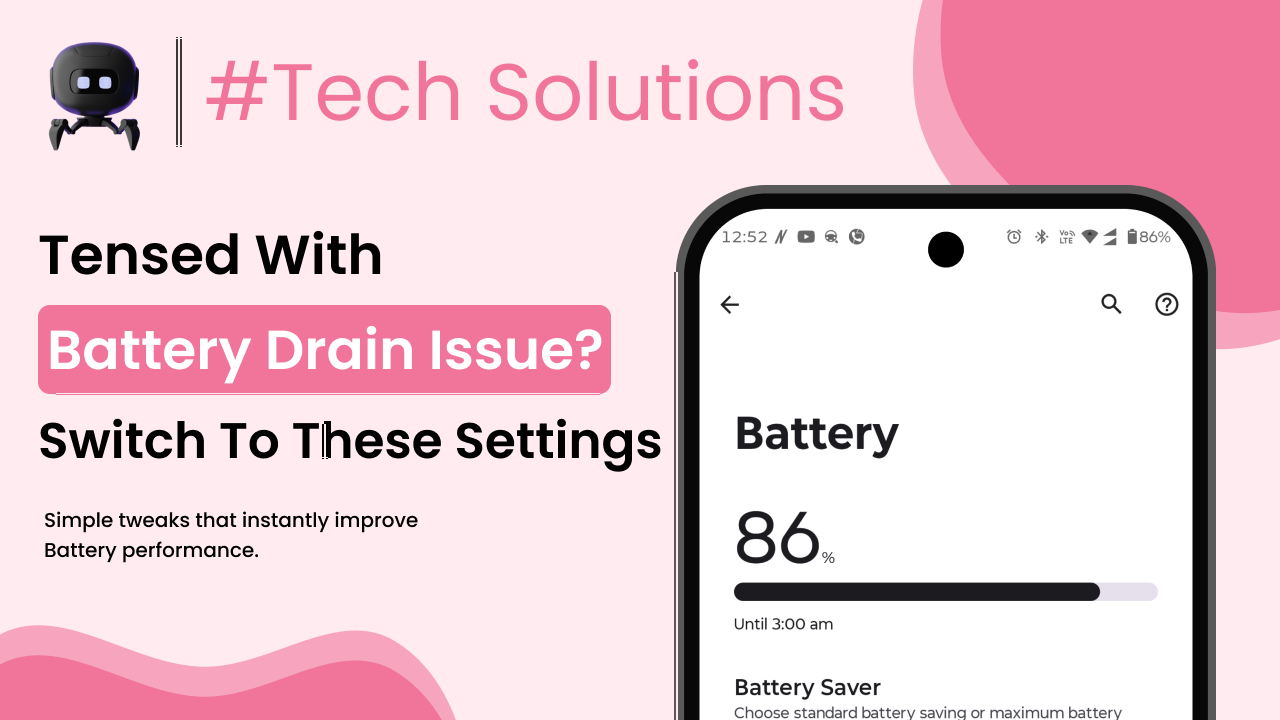
If your phone battery is draining fast, you’re probably noticing it daily. You charge to 100% in the morning, and by afternoon it’s already below 40%. No heavy gaming. No long calls. Still, the battery drops quickly.
It’s frustrating.
Before you assume the battery is damaged, let’s slow down and understand what’s really happening. In most cases, fast battery drain is caused by usage patterns, hidden settings, or background activity — not an immediate hardware failure.
Let’s break this down clearly and practically.
Understanding How Phone Batteries Actually Work
Modern smartphones use lithium-ion batteries. These batteries are designed to be lightweight, rechargeable, and long-lasting. But they don’t stay perfect forever.
According to the Wikipedia page on lithium-ion batteries, these batteries gradually lose capacity over time due to chemical aging. This means after 2–3 years, your phone may not hold charge like it used to.
Now here’s the important part.
Battery drain is not always about battery health. Often, it’s about what your phone is doing in the background.
Your battery drains faster when:
- The processor works harder
- The screen stays on longer
- Apps run continuously
- Network signals are weak
So let’s examine the real reasons.
Real Reasons Your Phone Battery Is Draining Fast
1. Screen Brightness Too High
Your display consumes more power than most internal components.
If brightness is set to maximum, battery drains quickly — especially on large screens.
Even auto-brightness sometimes pushes brightness higher than needed.
Lowering brightness by just 20–30% can noticeably improve battery life.
2. Too Many Apps Running in Background
Many apps continue working even when you are not using them.
They:
- Sync data
- Track location
- Send notifications
- Refresh content
All of this uses CPU and internet resources.
Go to:
Settings → Battery → Battery Usage
Check which apps are consuming the most power.
You may be surprised.
3. Poor Network Signal
This one is often ignored.
When your phone struggles to find signal, it increases power to maintain connection with the nearest tower.
Weak signal = higher battery consumption.
If you are in a basement, elevator, or low-signal area for long hours, battery drain increases significantly.
4. Location Services Always On
GPS consumes considerable power, especially if multiple apps access location continuously.
Apps like:
- Maps
- Ride services
- Food delivery
- Social media
may request location even in background.
Set location access to “While Using the App” instead of “Always.”
5. High Screen-On Time
Be honest.
How many hours is your screen active daily?
Streaming, scrolling, gaming — these increase screen-on time, which directly impacts battery.
Even if you don’t notice, 5–6 hours of active display can drain most phones fully.
6. Push Notifications Overload
Every notification lights up the screen and wakes up the processor.
Hundreds of daily notifications mean constant background activity.
Disable unnecessary notifications from:
Settings → Notifications
Less noise, better battery.
7. Outdated Software
Sometimes software bugs cause abnormal battery drain.
Operating system updates often include battery optimization fixes.
You can read about Android battery optimization in the official Android developer documentation.
If your phone hasn’t been updated in a long time, check for system updates.
8. Old or Degrading Battery
After 500–800 charge cycles, battery capacity reduces.
Signs of battery aging:
- Phone heats up while charging
- Battery percentage drops suddenly
- Shuts down at 20–30%
If your device is 3–4 years old, battery wear is normal.
No software trick can fully reverse chemical aging.
9. Heavy Apps and Games
High-performance apps use:
- CPU
- GPU
- RAM
- Network
All together, this drains battery fast.
Video editing apps, multiplayer games, and constant video streaming are major contributors.
10. Malware or Suspicious AppApps from unknown sources may run hidden processes.
These can:
- Mine data
- Track usage
- Run background scripts
Result? Faster battery drain.
Install apps only from official app stores.
Real-Life Example
Let’s take a practical case.
Neha noticed her phone battery dropping from 90% to 60% within two hours — without heavy usage.
She checked battery usage stats.
Instagram was using 28% battery in background.
She disabled background activity and reduced notifications.
Result? Battery lasted almost 30% longer the next day.
Simple fix. No hardware issue.
Most problems are like this.
How to Fix Fast Battery Drain (Step-by-Step)
Let’s fix it properly.
Step 1: Check Battery Usage
Go to:
Settings → Battery → Usage
Identify top battery-consuming apps.
Restrict or uninstall unnecessary ones.
Step 2: Reduce Screen Brightness
Lower brightness manually.
Turn off:
- Always-On Display
- Live wallpapers
- Unnecessary widgets
Small adjustments matter.
Step 3: Limit Background Apps
Disable background data for social media and shopping apps.
Only allow essential apps to refresh automatically.
Step 4: Use Battery Saver Mode
Battery Saver reduces:
- Background activity
- Visual effects
- Sync frequency
Use it when battery drops below 30%.
Step 5: Turn Off Unused Features
Disable when not needed:
- Bluetooth
- WiFi
- GPS
- NFC
These consume power even if idle.
Step 6: Restart Your Phone
Restart once every few days.
It clears temporary background processes.
Simple but effective.
Step 7: Replace Battery (If Needed)
If battery health is below 75% and phone is 3–4 years old, consider battery replacement.
It is cheaper than buying a new phone.
But only if the rest of the device works fine.
Common Mistakes People Make
Mistake 1: Installing “Battery Booster” Apps
Most battery saver apps consume resources themselves.
Your phone already has built-in battery management.
You don’t need extra cleaners.
Mistake 2: Charging Overnight Every Day
Modern phones stop charging at 100%, but keeping them plugged in constantly can increase heat over time.
Heat reduces battery lifespan.
Mistake 3: Letting Battery Drop to 0% Regularly
Deep discharge stresses lithium-ion batteries.
Try to keep battery between 20% and 80% when possible.
Mistake 4: Ignoring Battery Health Signs
Sudden shutdowns and overheating are warning signals.
Don’t ignore them.
Why This Matters
Battery performance affects everything:
- Work productivity
- Travel convenience
- Emergency communication
- Navigation
If your phone dies unexpectedly, it creates unnecessary stress.
Understanding the real reasons behind battery drain gives you control.
You stop guessing.
You start diagnosing.
That’s the difference.
When You Should Consider a New Phone
Let’s be realistic.
Consider upgrading if:
- Phone is 5+ years old
- Battery drains within 2–3 hours consistently
- Device overheats daily
- Battery replacement cost is high compared to phone value
Sometimes hardware simply reaches its limit.
No setting adjustment can change that.
Final Thoughts
If your phone battery is draining fast, don’t panic.
In most cases, the problem is:
- High screen usage
- Background apps
- Poor signal
- Location services
- Software bugs
Check battery usage first.
Adjust settings logically.
Avoid unnecessary apps.
And remember — batteries naturally degrade over time. That’s normal. But smart usage can slow that decline significantly.
Small habits make a big difference.
Take control of your settings, and your battery will last longer than you expect.