admin@technicalrvijay.com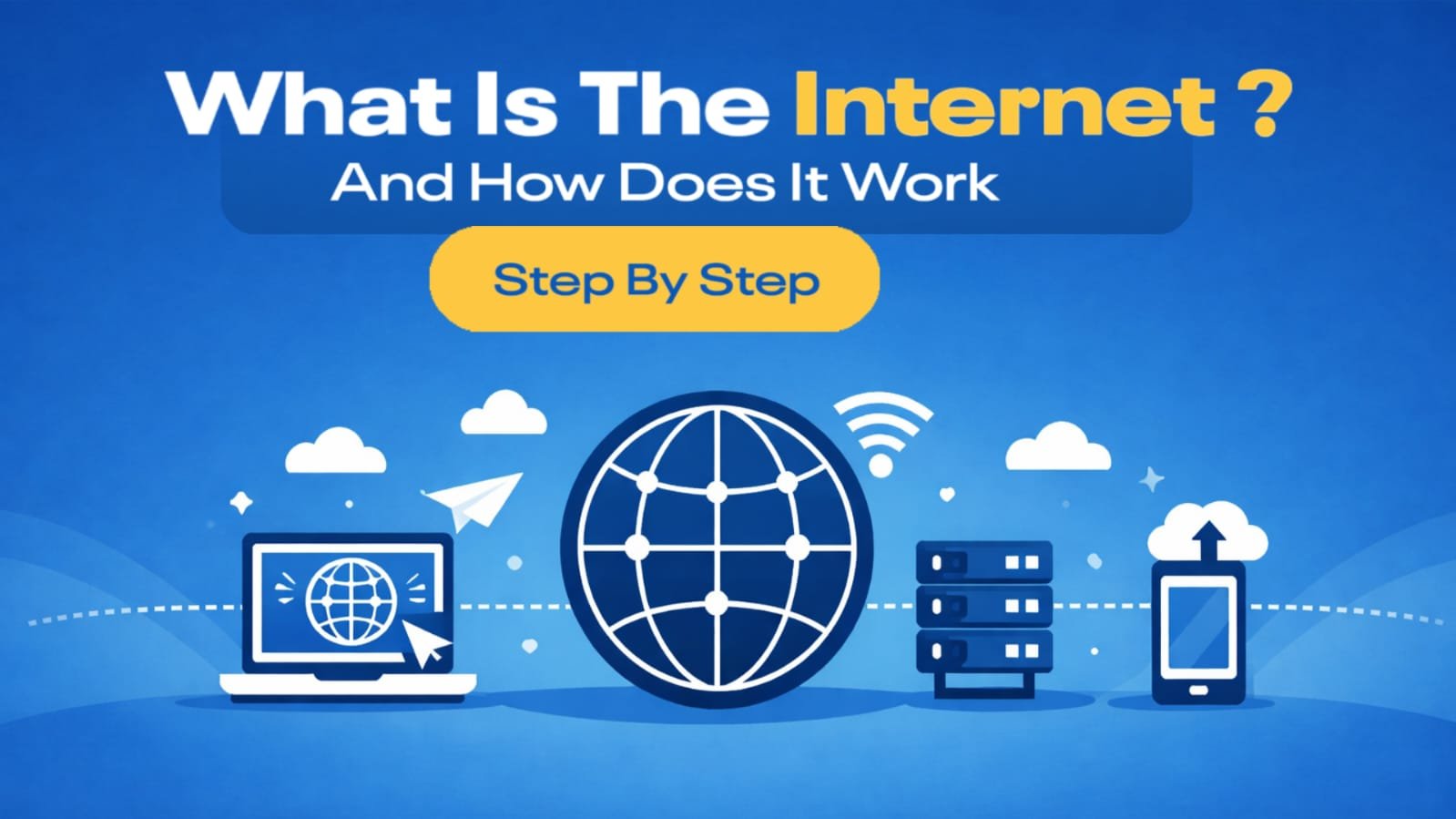
The internet has become a part of our daily life. From sending messages and watching videos to online payments and learning new skills, almost everything today depends on the internet. Yet, many people use the internet every day without fully understanding what it actually is or how it works behind the scenes.
In this article, we will explain what the internet is and how it works step by step in a simple and practical way. No technical jargon, no confusing terms—just a clear explanation that anyone can understand.
What Is the Internet?
The internet is a global network of connected computers and servers that communicate with each other. These computers are located all around the world and are linked through cables, satellites, and wireless connections.
When you open a website, send an email, or watch a video, your device is communicating with another computer somewhere else on the planet. This communication happens in seconds, thanks to the internet.
In simple words, the internet is a massive system that allows devices to share information with each other.
For a general reference, you can also read how the internet is defined on Wikipedia:
https://en.wikipedia.org/wiki/Internet
Is the Internet a Physical Thing?
Yes, the internet is not just “in the air.”
It is built on real physical infrastructure, such as:
- Underground fiber-optic cables
- Data centers and servers
- Network routers and switches
- Satellites and mobile towers
Even though wireless connections feel invisible, the data still travels through physical systems at some point.
Step 1: Your Device Connects to the Internet
The first step begins with your device.
Your mobile phone, laptop, or tablet connects to the internet using:
- Mobile data (4G / 5G)
- Wi-Fi
- Broadband or fiber connection
This connection is provided by an Internet Service Provider (ISP). The ISP acts as a bridge between your device and the rest of the internet.
Without an ISP, your device cannot access the internet.
Step 2: You Enter a Website Address (URL)
When you type a website address like www.example.com into your browser, your device does not immediately know where that website is located.
Computers do not understand website names. They understand IP addresses, which are numerical identifiers like:
192.168.1.1
So the next step is to translate the website name into an IP address.
Step 3: DNS Converts Website Name into IP Address
This is where DNS (Domain Name System) comes in.
DNS works like a phonebook:
- You type a website name
- DNS finds the matching IP address
- Your browser uses that IP address to locate the website’s server
Without DNS, you would have to remember numbers instead of names for every website.
Step 4: Request Is Sent to the Website Server
Once the IP address is found, your browser sends a request to the server where the website is hosted.
This request basically says:
“Please send me the data for this website.”
The request travels through:
- Routers
- Network switches
- Internet backbone networks
All this happens in milliseconds.
Step 5: Server Processes the Request
The website server receives your request and processes it.
Depending on the website, the server may:
- Fetch files like HTML, CSS, and images
- Load content from a database
- Check permissions or security rules
After processing, the server prepares a response containing all the data needed to display the page.
Step 6: Data Travels Back to Your Device
The server sends the data back to your device in small packets.
Each packet may take a different route across the internet, but they are reassembled correctly when they reach your device.
This packet-based system makes the internet:
- Faster
- More reliable
- More efficient
Step 7: Browser Displays the Website
Your browser receives the data and starts building the webpage.
It:
- Reads HTML to structure the page
- Applies CSS for design and layout
- Executes JavaScript for interactive features
Within seconds, the website appears on your screen.
This entire process—from typing a URL to seeing a webpage—usually takes less than a second.
How Does Data Travel So Fast?
Data travels at extremely high speeds using fiber-optic cables. These cables transmit data as light signals, allowing information to move close to the speed of light.
That is why you can:
- Watch videos instantly
- Make real-time video calls
- Play online games with people in other countries
What Role Do Servers Play?
Servers are powerful computers designed to:
- Store website files
- Handle user requests
- Send data to users
Every website you visit lives on a server. Some companies use thousands of servers distributed across multiple locations to ensure fast loading and reliability.
What Is the Internet Backbone?
The internet backbone is a collection of high-capacity networks that connect major cities and countries.
These networks are operated by large organizations and form the core structure of the global internet. Smaller networks and ISPs connect to this backbone to deliver internet access to users.
Is the Internet Safe?
The internet itself is neutral. Safety depends on:
- How websites are built
- How data is protected
- How users behave online
Secure websites use encryption (HTTPS) to protect data. Users should also follow safe practices like using strong passwords and avoiding suspicious links.
For official safety guidance, Google provides helpful resources here:
https://safety.google/
Why Does the Internet Sometimes Feel Slow?
Internet speed can be affected by:
- Weak network signal
- High traffic on servers
- Distance from data centers
- Outdated hardware or software
Even though the internet is fast, many factors influence real-world performance.
Final Thoughts
The internet may look simple from the outside, but it is built on a complex and well-organized system. Every time you open a website, hundreds of processes work together to deliver information to your screen in seconds.
Understanding how the internet works step by step helps you use technology more confidently and make better digital decisions.
The next time you browse a website or send a message, you will know what is happening behind the scenes.