admin@technicalrvijay.com
Today, almost everyone uses online accounts. We log in to email, social media, banking apps, shopping websites, and work platforms every day. But many people do not realize their account has been hacked until serious damage is already done.
Knowing the signs your online account has been compromised can help you act quickly and reduce harm. In this guide, we will explain what a compromised account means, the most common warning signs, real-life examples, what to do immediately, and how to prevent it from happening again.
What Does It Mean When an Online Account Is Compromised?
An online account is compromised when someone gains unauthorized access to it.
This usually happens because:
- Your password was guessed or stolen
- You entered your details on a fake website
- Your data was leaked in a breach
- Malware infected your device
Once inside your account, attackers can:
- Change your password
- Steal personal information
- Send scam messages
- Make unauthorized transactions
Accounts on platforms like Facebook, Google, Instagram, and PayPal are common targets.
Common Signs Your Online Account Has Been Compromised
Let’s look at the most common warning signs.
You Cannot Log In Anymore
One of the clearest signs is when:
- Your password suddenly does not work
- You receive a “password changed” notification
- Your recovery email or phone number has been updated
If you did not make these changes, someone else likely did.
Attackers often change login details immediately after gaining access to lock you out.
You Receive Password Reset Emails You Didn’t Request
If you receive:
- Multiple password reset emails
- Verification codes you did not request
Someone may be trying to access your account.
Even if they fail, it means your account is being targeted.
Do not ignore these emails.
Suspicious Activity on Your Account
You may notice:
- Messages sent that you did not write
- Posts published without your knowledge
- New friends or followers added
- Emails marked as read that you never opened
For example, on Facebook or Instagram, hacked accounts are often used to send scam links to contacts.
Unusual Login Alerts
Many platforms send alerts when someone logs in from a new device or location.
For example:
- “New login from another country.”
- “New device detected.”
If you receive a login alert from a place you have never visited, it may be unauthorized access.
Unknown Transactions or Purchases
If your financial accounts are compromised, you may see:
- Unfamiliar purchases
- Small test transactions
- Subscription charges you didn’t approve
Even small transactions can be a sign of fraud. Attackers sometimes test accounts with small amounts before making larger withdrawals.
Accounts linked to services like PayPal should be monitored carefully.
Security Settings Have Been Changed
Check your account settings.
Warning signs include:
- Recovery email changed
- Phone number removed
- Two-factor authentication disabled
- New backup codes generated
These changes often indicate that someone is trying to maintain control over your account.
Friends Report Strange Messages From You
Sometimes, other people notice the problem first.
Your friends may say:
- “Did you send me this link?”
- “Why are you asking for money?”
Hackers often use compromised accounts to spread scams or phishing links.
Your Account Sends Spam Emails
If your email account is compromised, it may start sending:
- Promotional spam
- Scam messages
- Fake job offers
This can damage your reputation and cause further security risks.
Real-Life Example
Imagine you wake up and try to log into your email account.
Your password doesn’t work.
You check your inbox and find a message saying:
“Your password was successfully changed.”
Then you see login alerts from another country.
This clearly shows your online account has been compromised.
If you act quickly, you may still be able to recover it through the official recovery process.
Why Accounts Get Compromised
Understanding the causes helps you avoid them.
Weak or Reused Passwords
Using simple passwords like:
- 123456
- password
- your name + birth year
makes it easy for attackers to guess.
Reusing the same password across multiple platforms is also risky. If one website suffers a data breach, attackers can try the same password on other sites.
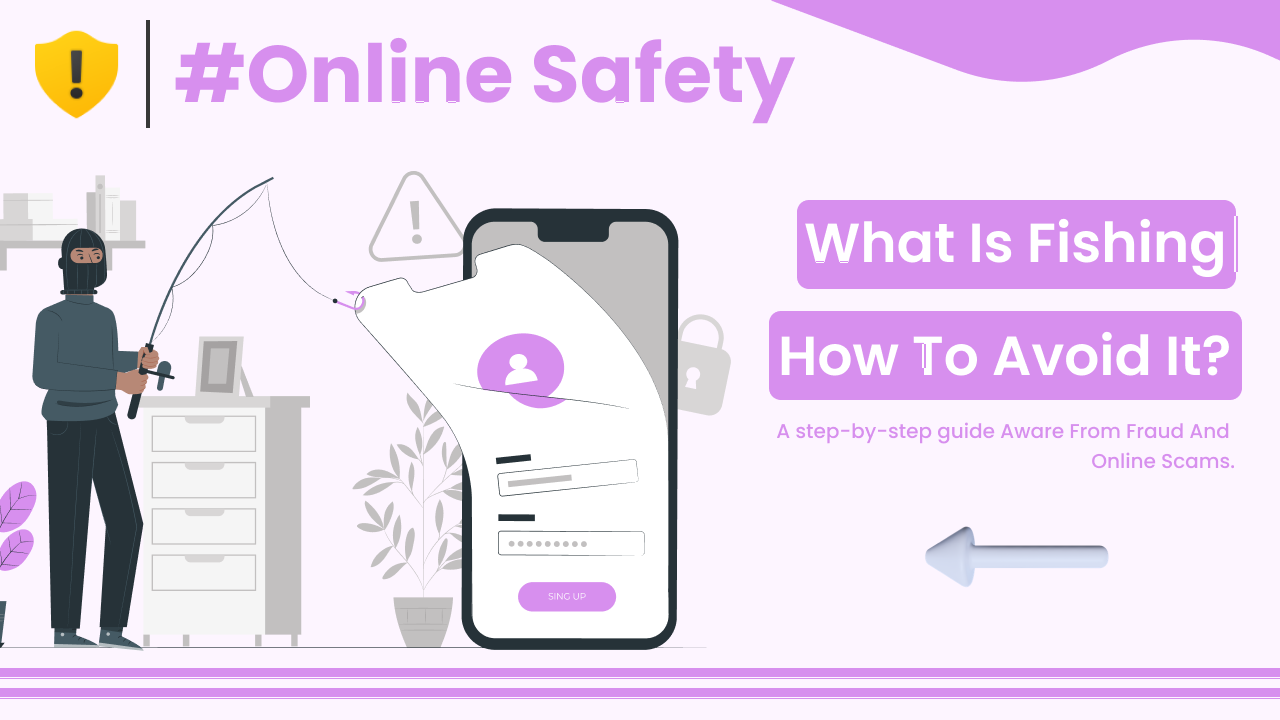
Phishing Attacks
Phishing is one of the most common methods.
In a phishing attack, scammers send fake emails or create fake websites that look real. If you enter your login details, they capture them.
You can read more about phishing on <a href=”https://en.wikipedia.org/wiki/Phishing” target=”_blank” rel=”noopener”>Wikipedia</a>.
Public WiFi Risks
Using unsecured public WiFi networks can expose your login sessions to attackers.
If the network is not encrypted, your data may be intercepted.
Malware on Your Device
If your device is infected with malware, attackers can:
- Record your keystrokes
- Steal saved passwords
- Access your files
Keeping your device updated reduces this risk.
What to Do Immediately If Your Account Is Compromised
If you suspect your online account has been compromised, act quickly.
Step 1: Change Your Password
If you still have access:
- Change your password immediately
- Use a strong, unique password
- Log out of all active sessions
If you are locked out, use the official account recovery option.
Step 2: Enable Two-Factor Authentication (2FA)
Two-factor authentication adds an extra layer of security.
Even if someone knows your password, they cannot log in without the second verification step.
Most major platforms like Google support 2FA.
Step 3: Check Account Activity
Look for:
- Unknown devices
- Suspicious login history
- Unauthorized transactions
Remove unknown devices and report suspicious activity.
Step 4: Scan Your Device for Malware
Use trusted security software to scan your device.
If malware is detected, remove it before logging into important accounts again.
Step 5: Inform Contacts If Necessary
If your social media or email was used to send scam messages:
- Inform your contacts
- Warn them not to click suspicious links
This helps prevent further spread.
How to Prevent Future Account Compromise
Prevention is always better than recovery.
Use Strong, Unique Passwords
A strong password should:
- Be at least 12 characters long
- Include letters, numbers, and symbols
- Be different for each account
Enable Two-Factor Authentication Everywhere
Turn on 2FA for:
- Social media
- Banking apps
- Cloud storage
This simple step greatly increases security.
Be Careful with Emails and Links
Do not click suspicious links.
Always check:
- Sender’s email address
- Website URL
- Grammar and formatting
If unsure, visit the official website directly instead of clicking the link.
Keep Software Updated
Updates fix security vulnerabilities.
Make sure your:
- Phone
- Computer
- Browser
- Apps
are regularly updated.
Why Recognizing the Signs Matters
The faster you detect a compromised account, the less damage it can cause.
Quick action can:
- Prevent financial loss
- Protect personal data
- Stop scammers from targeting others
- Restore access more easily
Ignoring early warning signs often makes the situation worse.
Final Summary
Your online account has been compromised if you notice:
- Unexpected password changes
- Login alerts from unknown locations
- Suspicious messages sent from your account
- Unauthorized transactions
- Security settings changed without your permission
If this happens:
- Change your password immediately.
- Enable two-factor authentication.
- Check for suspicious activity.
- Scan your device for malware.
Online accounts are part of daily life. Protecting them requires awareness and careful habits. By recognizing the signs early and acting quickly, you can reduce the risks and stay safer online.