admin@technicalrvijay.com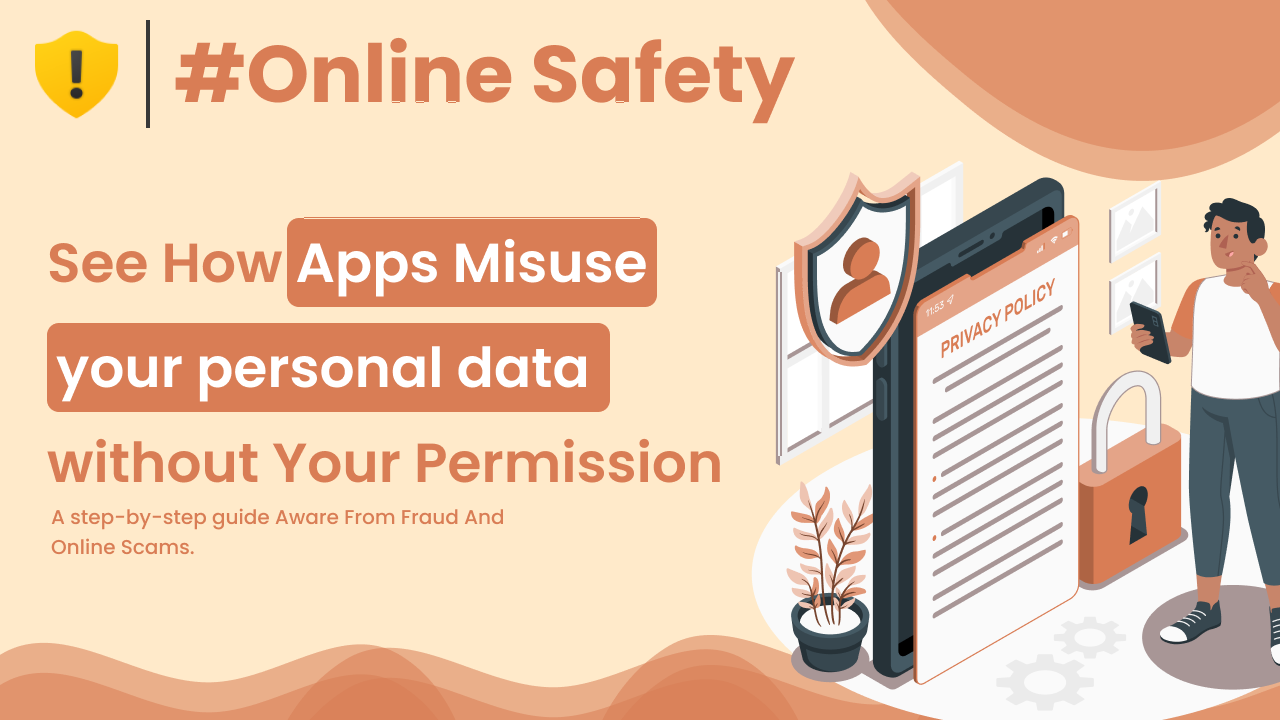
Most people install apps without thinking twice. A quick tap on “Accept,” and the app is ready to use. But have you ever wondered what permissions you just gave away?
Many apps collect more data than they actually need. Sometimes it’s for improving services. But sometimes… it goes beyond that.
Understanding how apps misuse your personal data is important if you care about privacy, security, and control over your digital life.
Let’s break this down clearly.
What Is Personal Data?
Personal data includes any information that can identify you, such as:
- Your name
- Email address
- Phone number
- Location
- Photos
- Contacts
- Device information
- Browsing behavior
Some apps collect basic data. Others collect detailed behavioral patterns.
The European Commission defines personal data broadly here:
https://commission.europa.eu/law/law-topic/data-protection/reform/what-personal-data_en
In simple words:
If it connects to you, it’s personal data.
How Apps Collect Your Data
When you install an app, it often asks for permissions like:
- Access to camera
- Access to microphone
- Access to contacts
- Access to location
- Access to storage
You may think, “It’s normal.” And sometimes it is.
But here’s where it gets tricky — not all apps need all permissions they request.
1. Excessive Permission Requests
Some apps ask for access that is not necessary.
For example:
- A flashlight app asking for contact access
- A simple game requesting location data
- A photo app asking for microphone permission
If the permission does not match the app’s function, that’s a red flag.
Android permission guidelines are explained here:
https://developer.android.com/guide/topics/permissions/overview
Always question unnecessary access.
2. Background Data Collection
Many apps continue collecting data even when you are not actively using them.
They may track:
- Location history
- App usage behavior
- Browsing activity
- Device information
This data can be used for:
- Targeted advertising
- Behavioral profiling
- Selling insights to third parties
Most users don’t even realize this is happening.
3. Data Sharing with Third Parties
Some apps share collected data with:
- Advertising networks
- Analytics companies
- Partner businesses
This is often mentioned in privacy policies — but those policies are long and rarely read.
Now here’s the important part:
Even if the app itself seems harmless, third-party access increases exposure.
4. Selling User Data
Not all companies sell personal data directly. But some may:
- Sell anonymized behavioral data
- Share aggregated user trends
- Monetize usage patterns
Even “anonymized” data can sometimes be re-identified when combined with other data sources.
The U.S. Federal Trade Commission discusses data privacy risks here:
https://consumer.ftc.gov/articles/how-protect-your-privacy-online
Data is valuable. That’s why companies collect it.
5. Poor Data Security Practices
Sometimes misuse is not intentional — it’s negligence.
If an app:
- Stores data without encryption
- Has weak security systems
- Fails to update regularly
Hackers may exploit these weaknesses.
Data breaches often happen due to poor security, not just malicious intent.
6. Tracking Through SDKs and Embedded Code
Many apps include third-party Software Development Kits (SDKs).
These SDKs can:
- Track user behavior
- Collect analytics
- Monitor interactions
Developers may integrate them for analytics, but they also expand the data collection network.
This creates multiple layers of data sharing behind the scenes.
Why Apps Collect So Much Data
Most apps are free.
If you are not paying for the product, your data may become part of the business model.
Data helps companies:
- Personalize ads
- Improve algorithms
- Understand user behavior
- Increase engagement
It’s not always malicious. But it is commercial.
Warning Signs an App May Misuse Data
Look out for:
- Too many permission requests
- No clear privacy policy
- Frequent pop-ups asking for access
- Requests unrelated to app purpose
- Excessive background battery usage
Trust your instincts.
If something feels unnecessary, it probably is.
How to Protect Your Personal Data
Now let’s focus on practical protection steps.
1. Review App Permissions Regularly
Go to:
Settings → Privacy → Permission Manager
Disable permissions that are not required.
2. Install Apps Only from Official Stores
Avoid downloading apps from unknown websites.
Official app stores review apps for security risks.
Even then, read reviews carefully.
3. Read Privacy Policies (At Least Briefly)
You don’t need to read every word.
But check:
- What data is collected
- Why it is collected
- Whether it is shared
If the policy is vague, be cautious.
4. Limit Location Access
Many apps request continuous location access.
Choose:
- “Allow only while using the app”
Instead of:
- “Allow all the time”
This reduces constant tracking.
5. Delete Unused Apps
Unused apps may still:
- Collect data
- Receive updates
- Store old permissions
If you don’t use it, remove it.
6. Keep Your Device Updated
Security updates fix vulnerabilities.
Always update:
- Operating system
- Apps
- Security patches
Updates reduce exposure risk.
Are All Apps Misusing Data?
No.
Many reputable companies follow strict privacy standards.
However, awareness helps you:
- Make informed decisions
- Control permissions
- Reduce unnecessary exposure
It’s about balance, not panic.
Final Thoughts
Understanding how apps misuse your personal data helps you stay aware in a data-driven world.
Apps may misuse data by:
- Requesting excessive permissions
- Tracking behavior in the background
- Sharing data with third parties
- Failing to secure user information
The solution is not to stop using apps.
The solution is smarter usage.
Review permissions.
Install carefully.
Stay informed.
Your data is valuable — treat it that way.