admin@technicalrvijay.com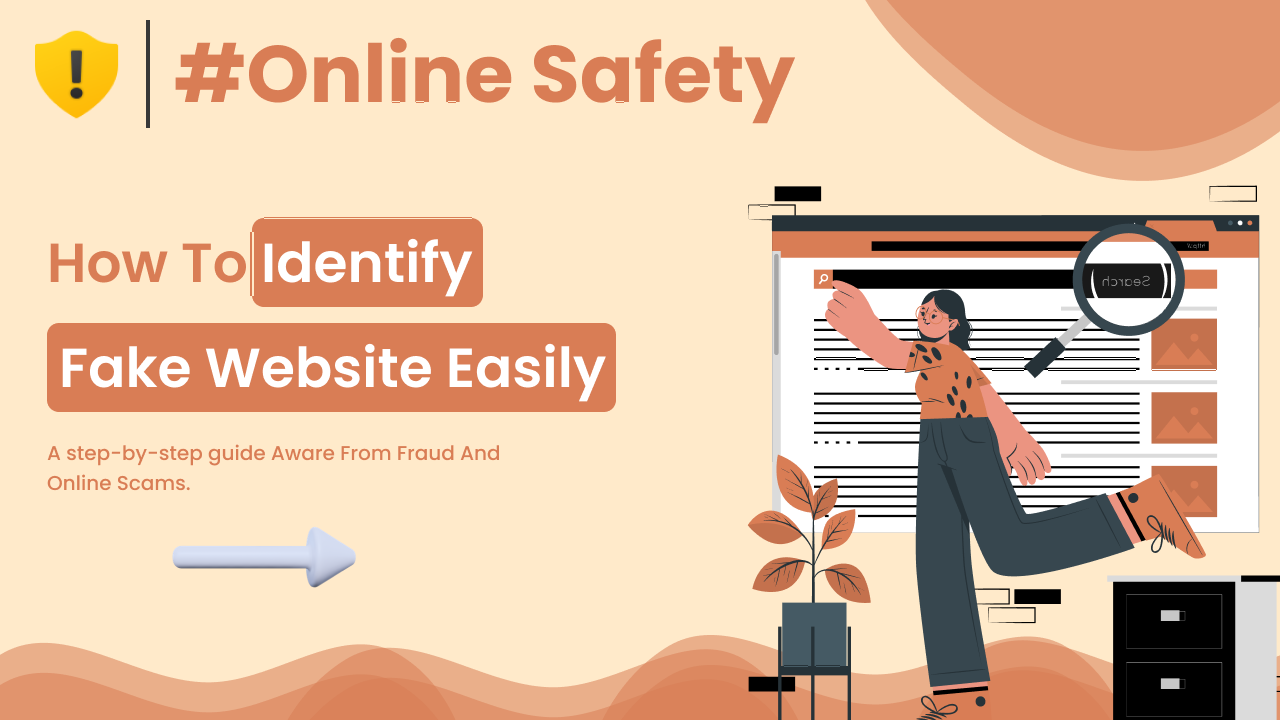
The internet has made daily life easier. We shop online, read news, use banking apps, and manage work from websites every day. But along with real websites, there are also fake ones designed to trick users. That’s why learning how to identify fake websites easily is an important online safety skill.
Fake websites are created to steal personal information, passwords, or money. Some look almost identical to trusted platforms. Others pretend to offer jobs, prizes, or discounts. In this guide, you’ll learn step-by-step how to identify fake websites easily, even if you are not very technical.
What Is a Fake Website?
A fake website is a website designed to look real but created for harmful purposes. It may copy the design of trusted companies or create believable offers to gain your trust.
These websites are often part of a scam method called <a href=”https://en.wikipedia.org/wiki/Phishing” target=”_blank” rel=”noopener”>phishing</a>. In phishing, attackers trick users into entering sensitive details like:
- Passwords
- Credit card numbers
- OTP codes
- Personal information
For example, a fake login page may look like a real banking website but actually send your details to scammers.
Why Fake Websites Are Dangerous
Fake websites can lead to:
- Financial loss
- Identity theft
- Hacked social media accounts
- Malware infections
- Data leaks
Scammers often pretend to be trusted brands like Amazon, PayPal, or Facebook. Because users already trust these platforms, they may not notice small differences.
Understanding the warning signs helps you avoid serious problems.
How to Identify Fake Websites Easily
Let’s go step by step through the most common signs.
Check the Website URL Carefully
The URL (website address) is one of the biggest clues.
Look for Spelling Mistakes
Fake websites often use slightly altered domain names, such as:
- amaz0n.com (with zero instead of “o”)
- paypa1.com (with number one instead of “l”)
- faceboook.com (extra letter)
At first glance, they look real. But small spelling differences are a strong warning sign.
Check for HTTPS
Look for “https://” at the beginning of the URL and a lock icon in the browser.
However, remember:
- HTTPS does not guarantee a website is safe.
- It only means the connection is encrypted.
Even fake websites can use HTTPS certificates.
Look at the Domain Extension
Trusted companies usually use well-known domains like:
- .com
- .org
- .net
Be cautious if you see unusual extensions such as:
- .xyz
- .top
- .club
While these domains are not always fake, scammers often use them for temporary websites.
Check the Website Design and Content
Fake websites often have noticeable issues.
Poor Grammar and Spelling
Many scam websites contain:
- Grammar mistakes
- Strange sentence structure
- Random capital letters
Professional companies invest in proper content. Multiple writing mistakes are a warning sign.
Low-Quality Images and Logos
Sometimes scammers copy logos of real brands, but:
- The logo may look blurry.
- Colors may look slightly different.
- The layout may appear unbalanced.
Compare suspicious websites with the official website by typing the address manually into your browser.
Be Careful with Unrealistic Offers
If something looks too good to be true, it usually is.
Examples:
- “Get a $1,000 phone for $50.”
- “You won a lottery you never entered.”
- “Urgent: Your account will be closed in 24 hours.”
Scammers create urgency to stop you from thinking carefully.
Real companies like Google or Apple do not threaten users randomly through suspicious links.
Check Contact Information
Legitimate websites usually provide:
- Physical address
- Customer support email
- Phone number
- Privacy policy
Fake websites often:
- Provide no contact details
- Use generic email addresses
- List fake addresses
You can copy the address and search it online to see if it is real.
Search for Website Reviews
Before entering payment details, search for:
“Website name + scam”
or
“Website name + review”
If many users report fraud, avoid the site.
You can also check government or cybersecurity resources for advice. For example, the <a href=”https://www.consumer.ftc.gov/” target=”_blank” rel=”noopener”>Federal Trade Commission (FTC)</a> provides information about online scams and fraud prevention.
Check the Website’s Age
Many fake websites are newly created.
Scammers create a website, use it for a few weeks, then shut it down. If a website claims to be “serving customers since 2005” but was registered last month, that is suspicious.
There are free online tools where you can check domain registration dates.
Watch for Strange Payment Methods
Be careful if a website:
- Accepts only cryptocurrency
- Accepts only wire transfers
- Refuses secure payment options
Legitimate online stores usually provide standard payment methods like credit cards or trusted payment processors.
Avoid Clicking Suspicious Email Links
Many fake websites are shared through:
- Fake emails
- SMS messages
- Social media messages
For example, you might receive an email that looks like it came from PayPal saying your account is locked.
Instead of clicking the link:
- Open your browser.
- Type the official website address manually.
- Log in from there.
This simple habit prevents many phishing attacks.
Real-Life Example
Imagine you receive an email saying:
“Your Amazon account has been suspended. Click here to verify.”
You click the link and see a page that looks exactly like Amazon. But:
- The URL says amaz0n-security-check.com
- The page has grammar mistakes
- It asks for your password and credit card
These are clear signs of a fake website.
If you had checked the URL carefully before logging in, you could have avoided the scam.
Common Mistakes People Make
Trusting Website Appearance Alone
Just because a site looks professional does not mean it is real. Modern scam websites can copy real designs perfectly.
Always verify the URL.
Acting Too Quickly
Scammers use fear and urgency.
Messages like:
- “Immediate action required”
- “Limited time offer”
- “Account will be deleted”
are designed to pressure you into making fast decisions.
Take a moment to check before clicking.
Using the Same Password Everywhere
If you accidentally enter your password on a fake website and use the same password for other accounts, scammers can access multiple services.
Using unique passwords for each account reduces risk.
Why Learning to Identify Fake Websites Matters
Online scams are increasing every year. As more services move online, users must be careful.
Knowing how to identify fake websites easily helps you:
- Protect your money
- Keep your personal data safe
- Avoid stress and fraud
- Protect your family members
This knowledge is especially important for beginners, elderly users, and students who are still learning about online safety.
Simple Checklist to Remember
Before trusting a website, ask yourself:
- Is the URL spelled correctly?
- Does the site use HTTPS?
- Are there grammar mistakes?
- Are offers unrealistic?
- Does the site provide real contact details?
- Do online reviews look suspicious?
If several red flags appear, leave the website immediately.
Final Summary
Learning how to identify fake websites easily is an essential internet safety skill.
Fake websites often:
- Use slightly changed URLs
- Copy trusted brand names
- Offer unrealistic deals
- Contain grammar mistakes
- Lack proper contact details
By checking the URL carefully, avoiding suspicious links, verifying reviews, and thinking calmly before entering personal information, you can stay safe online.
The internet is useful and powerful, but it requires awareness. A few extra seconds of checking can save you from serious problems.