admin@technicalrvijay.com
The internet has made life easier. We shop online, transfer money instantly, work remotely, and connect with people worldwide. But along with convenience, online risks have also increased.
Every day, thousands of people lose money, personal data, or account access because they were unaware of common scams. That’s why understanding common online scams you should be aware of is not optional anymore — it’s necessary.
Let’s break this down clearly so you can recognize warning signs before it’s too late.
Why Online Scams Are Increasing
Online scams are growing because:
- More people use digital platforms
- Transactions happen instantly
- Scammers can hide their identity
- Social media spreads messages quickly
Cybercriminals don’t need physical access. They only need your attention for a few seconds.
Now here’s the important part — most scams don’t look like scams at first.
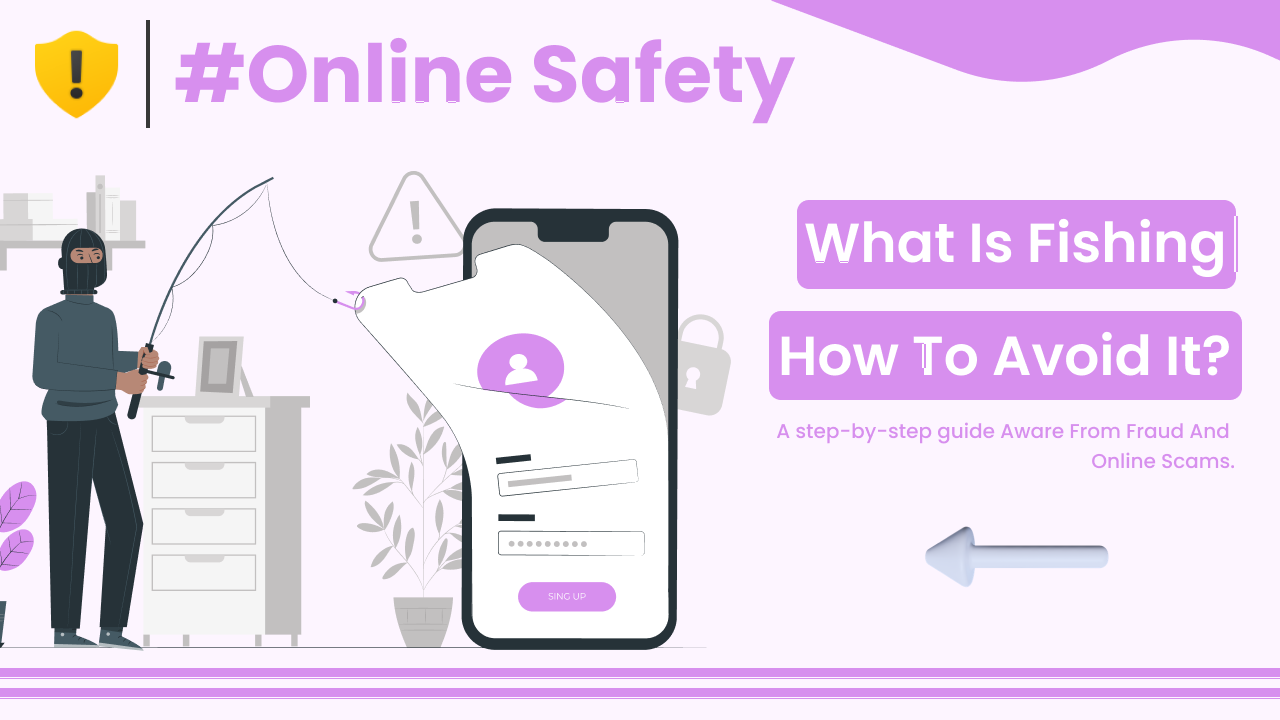
1. Phishing Scams
Phishing is one of the most common online scams.
Scammers send fake emails, messages, or websites that look real. They try to trick you into entering:
- Passwords
- Bank details
- OTP codes
- Personal information
For example, you may receive an email saying:
“Your account will be suspended. Click here to verify.”
The link leads to a fake website that looks identical to the real one.
Google explains phishing safety here:
https://safety.google/security/security-tips/
Warning Signs:
- Urgent language
- Spelling mistakes
- Suspicious links
- Unknown sender
Never click blindly. Always verify the source.
2. Fake Lottery or Prize Scams
You receive a message saying:
“Congratulations! You won a prize.”
The catch? You never entered anything.
Scammers ask for:
- Processing fees
- Bank details
- Identity proof
Real organizations do not ask for payment to claim prizes.
If something sounds too good to be true — it usually is.
3. Investment and Crypto Scams
These scams promise:
- Guaranteed returns
- Double money in days
- Risk-free profits
They often show fake screenshots of earnings.
Scammers may create:
- Fake websites
- Fake testimonials
- Fake trading dashboards
The U.S. Federal Trade Commission explains investment scam warnings here:
https://consumer.ftc.gov/articles/what-know-about-cryptocurrency-and-scams
No legitimate investment guarantees profit.
4. Online Shopping Scams
Fake e-commerce websites attract users with:
- Heavy discounts
- Limited-time offers
- Popular branded products at low prices
After payment:
- The product never arrives
- Customer support disappears
- The website shuts down
Before buying:
- Check website reviews
- Verify domain age
- Look for secure payment options (HTTPS)
5. Romance and Relationship Scams
Scammers create fake profiles on:
- Dating apps
- Social media
- Messaging platforms
They build emotional connections over time.
Then they request:
- Emergency money
- Travel expenses
- Medical help
Emotional manipulation is the main tactic here.
Never send money to someone you have not met in person.
6. Job Offer Scams
You receive a job offer without applying.
Scammers may ask for:
- Registration fees
- Training charges
- Document verification payments
Real employers do not ask candidates to pay money.
Check company websites directly before trusting job offers.
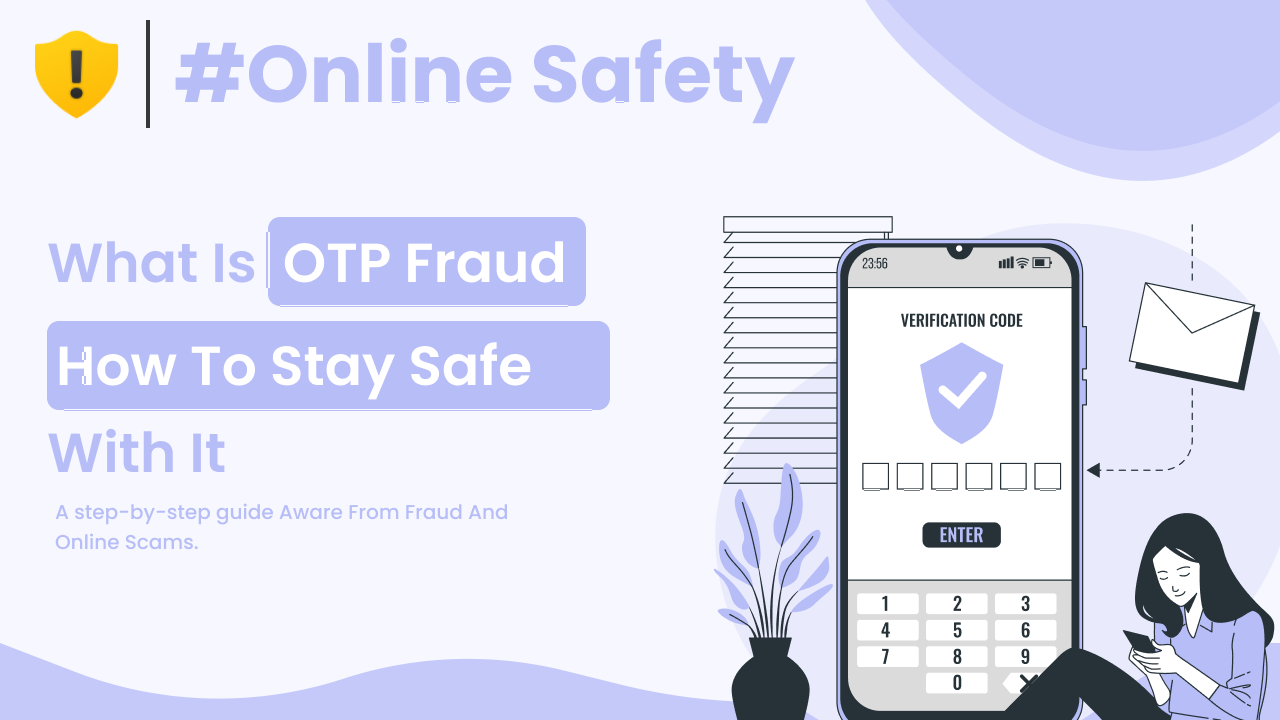
7. OTP and Verification Code Scams
Scammers call pretending to be:
- Bank representatives
- Delivery agents
- Customer support
They ask you to share OTP (One-Time Password).
Once you share it, they complete transactions from your account.
Remember:
OTP is private. Never share it.
8. Tech Support Scams
You may see a popup:
“Your computer is infected. Call this number immediately.”
Scammers pretend to fix your device remotely.
They may:
- Install malware
- Access personal files
- Demand payment
Official companies do not randomly contact users with threats.
9. Social Media Account Hacking Scams
You receive a message:
“Is this you in this video?”
The link asks you to log in again.
That login page is fake.
Once you enter credentials, scammers gain access to your account.
Always check the URL carefully.
How to Protect Yourself From Online Scams
Now let’s focus on prevention.
1. Use Strong Passwords
Avoid simple passwords like:
123456
password
Use long and unique passwords.
2. Enable Two-Factor Authentication (2FA)
Even if your password is leaked, 2FA adds extra protection.
Google explains two-step verification here:
https://support.google.com/accounts/answer/185839
3. Verify Before Clicking
Before clicking any link:
- Hover over the URL
- Check spelling
- Confirm domain name
Slow down. Scammers rely on urgency.
4. Keep Software Updated
Updates fix security vulnerabilities.
Always update:
- Operating system
- Browser
- Apps
Outdated software can be exploited.
5. Avoid Public Wi-Fi for Sensitive Transactions
Public networks are less secure.
Avoid:
- Banking
- Password changes
- Online payments
Use secure connections whenever possible.
Why Awareness Is Your Best Defense
Technology alone cannot stop scams completely.
Awareness is powerful because:
- You recognize warning signs
- You pause before reacting
- You verify before trusting
Most scams succeed due to panic or urgency.
Take a moment. Think clearly.
Final Thoughts
Understanding common online scams you should be aware of can save you from financial loss, identity theft, and emotional stress.
The most common scams include:
- Phishing
- Fake prizes
- Investment fraud
- Online shopping traps
- Romance scams
- OTP fraud
The internet is powerful, but so are scammers.
Stay informed.
Stay cautious.
And most importantly — never act in panic.
Digital safety is not complicated. It just requires awareness and smart decisions.