admin@technicalrvijay.com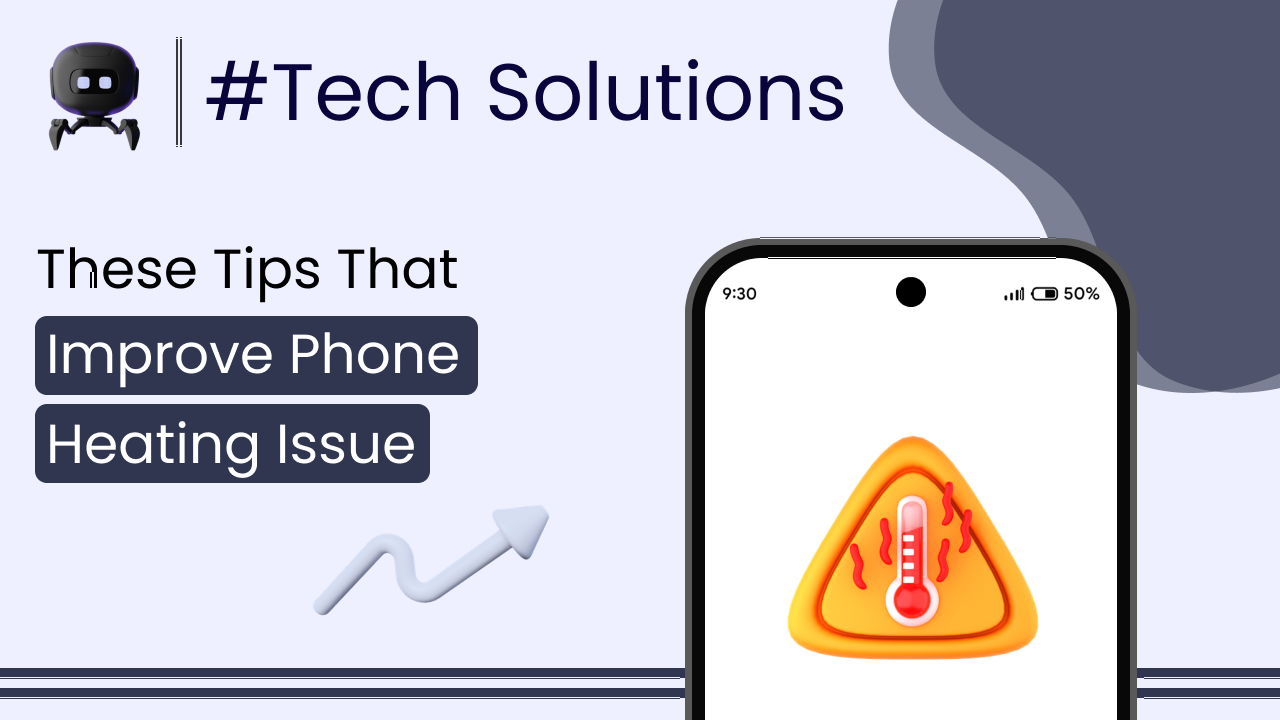
If you’ve noticed your phone getting unusually warm — or sometimes even hot — you’re probably concerned. And you should be. A phone heating issue is not something to ignore, even if it happens occasionally.
Some warmth is normal. Smartphones are powerful devices packed into small bodies. But excessive heat? That usually points to something deeper.
In this guide, we’ll clearly explain the real causes of phone heating issues and practical prevention tips you can apply immediately. No myths. No unnecessary panic.
Let’s understand this properly.
Is Phone Heating Normal?
Yes — to a certain extent.
Phones naturally generate heat when:
- Playing games
- Streaming videos
- Using camera for long periods
- Charging
- Updating software
Modern smartphones use processors similar to small computers. According to the Wikipedia page on smartphone hardware, these devices contain high-performance processors, memory modules, and batteries — all of which generate heat under load.
Now here’s the important part.
Warm is normal. Too hot to comfortably hold is not.
If your phone frequently overheats during normal usage, it needs attention.
Common Causes of Phone Heating Issues
Let’s break down the real reasons one by one.
1. Heavy Gaming and High CPU Usage
Mobile games today are extremely demanding. They use:
- CPU
- GPU
- RAM
- Internet
When all these components work together at high capacity, heat increases quickly.
The longer you play, the hotter the device becomes.
This is completely expected during gaming — but constant overheating even after stopping the game is not.
2. Using Phone While Charging
Using your phone while charging increases heat significantly.
Why?
Because:
- The battery generates heat while charging
- The processor generates heat while running apps
Two heat sources at the same time.
This is one of the most common reasons behind heating complaints.
3. Background Apps Running Continuously
Many apps keep running in the background:
- Syncing data
- Tracking location
- Sending notifications
- Uploading media
If too many apps are active, the processor works harder — even when your screen is off.
That means silent heat buildup.
4. Poor Network Signal
Weak signal forces your phone to increase power to maintain connection with the nearest tower.
This drains battery and generates heat.
If you’re in:
- Basement
- Elevator
- Remote area
Heating may increase due to constant signal searching.
5. High Screen Brightness
Your display consumes significant power.
Maximum brightness for long hours generates extra heat, especially outdoors.
Reduce brightness slightly. It makes a difference.
6. Software Bugs or Outdated System
Sometimes overheating is caused by software glitches.
Operating system updates often fix battery and performance issues. The official Android developer documentation on power management explains how Android manages background processes and power usage.
If your phone started heating after an update, it may be a temporary optimization phase. But if it continues for days, something is wrong.
7. Malware or Suspicious Apps
Apps from unknown sources may run hidden background processes.
These can:
- Use CPU aggressively
- Drain battery
- Cause overheating
Install apps only from official app stores.
8. Faulty or Cheap Charger
Low-quality chargers can cause unstable voltage flow.
This leads to:
- Excess heat
- Battery stress
- Long-term damage
Always use original or certified chargers.
Cheap chargers are not worth the risk.
9. Old or Degrading Battery
Batteries degrade over time.
Signs of battery-related heating:
- Phone gets hot even during light usage
- Battery drains quickly
- Device shuts down unexpectedly
After 3–4 years, battery wear is natural.
No software trick can fix chemical aging.
Real-Life Example
Rohit noticed his phone heating badly during normal browsing.
He checked battery usage.
A shopping app was consuming 32% battery in background.
He disabled background activity and uninstalled unnecessary apps.
Result? Heating reduced significantly within a day.
The issue wasn’t hardware. It was background load.
This is common.
How to Prevent Phone Heating Issues
Now let’s focus on prevention.
Follow these practical steps.
1. Avoid Heavy Usage While Charging
Don’t play games or stream long videos while charging.
Let your phone charge peacefully.
Simple habit. Big difference.
2. Remove Thick Phone Covers During Gaming
Heavy or thick cases trap heat.
Remove the cover during gaming or charging if heating is noticeable.
Airflow matters.
3. Reduce Screen Brightness
Lower brightness to a comfortable level.
Avoid keeping it at maximum unnecessarily.
4. Close Unnecessary Background Apps
Go to:
Settings → Battery → Usage
Identify high battery-consuming apps.
Restrict background activity.
5. Update Software Regularly
Install stable system updates.
But avoid beta versions unless you understand the risks.
6. Keep Storage Free
Full storage forces the processor to work harder.
Maintain at least 20% free space.
7. Use Original Charger
Avoid cheap adapters.
Certified charging protects battery health and reduces overheating.
8. Avoid Direct Sunlight
Leaving your phone in:
- Car dashboard
- Direct sunlight
- Hot environments
can rapidly increase temperature.
External heat plus internal heat is dangerous.
9. Restart Your Phone Regularly
Restart once every few days.
It clears background processes and refreshes memory.
Common Mistakes People Make
Let’s clear some confusion.
Mistake 1: Using Cooling Apps
Cooling apps cannot physically reduce temperature.
They only close background processes.
They don’t magically cool hardware.
Mistake 2: Putting Phone in Refrigerator
Yes, some people do this.
Sudden temperature changes cause condensation and damage internal components.
Never do this.
Mistake 3: Ignoring Repeated Overheating
Occasional warmth is normal.
Frequent overheating is not.
Don’t ignore consistent warning signs.
When to Be Seriously Concerned
You should seek service support if:
- Phone shows overheating warning frequently
- Device shuts down due to heat
- Battery swells
- Burning smell is noticed
These are serious signs.
Don’t delay repair in such cases.
Why Overheating Matters
Heat affects:
- Battery lifespan
- Processor performance
- Internal components
- Overall device stability
Excessive heat reduces battery capacity faster.
Long-term overheating can permanently damage hardware.
So yes, it matters.
When It’s Time to Replace the Device
Let’s be realistic.
Consider upgrading if:
- Phone is 5+ years old
- Heating happens even during light use
- Battery replacement doesn’t fix the issue
- Hardware is outdated
Technology improves heat management every year.
Older devices struggle more.
Final Thoughts
Phone heating issue is usually caused by:
- Heavy usage
- Charging habits
- Background apps
- Poor signal
- Old battery
Most cases are fixable with simple adjustments.
Use your phone smartly.
Maintain it properly.
Avoid unnecessary stress on hardware.
Heat is a warning sign — not always a disaster.
Understand the cause first.
Then take action calmly.
That’s how you keep your phone healthy for the long run.