admin@technicalrvijay.com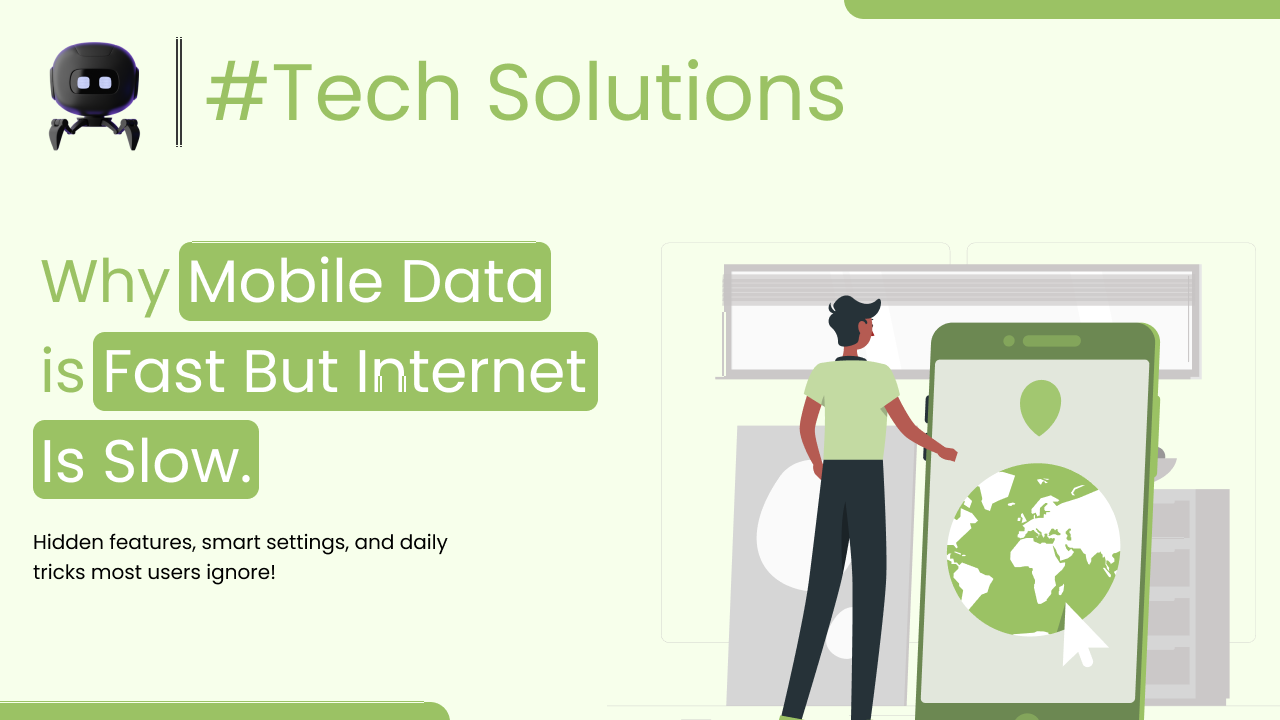
You turn on mobile data. The signal shows 4G or even 5G. Speed test says the connection is fast.
But when you open apps or browse websites, everything feels slow.
Pages take time to load. Videos buffer. Downloads stop midway.
So what’s going on?
If you’ve been wondering why mobile data is fast but internet is slow, the answer is not as simple as it looks. Speed numbers don’t always tell the full story. Let’s break this down clearly and practically.
Understanding the Difference Between Speed and Performance
First, let’s understand something important.
“Fast mobile data” usually refers to network speed — how quickly data can travel between your phone and the internet.
But “slow internet experience” often relates to:
- Server response time
- App optimization
- Background processes
- Device performance
- Network congestion
Speed and performance are not the same thing.
You might have high download speed (like 100 Mbps), but still experience delays. That’s because other factors affect how content actually loads.
Now here’s the key point.
Internet performance depends on multiple systems working together — not just raw speed.
How Mobile Data Actually Works
When you use mobile data, your phone connects to nearby cellular towers. These towers route your request through your telecom provider’s core network and then to the website or app server.
This system relies on:
- Signal strength
- Network congestion
- DNS resolution
- Server response time
You can read more about how mobile networks operate on the Wikipedia page about mobile broadband, which explains how cellular networks transmit data.
So even if your signal is strong, the rest of the chain might not be smooth.
Common Reasons Mobile Data Feels Slow Despite High Speed
Let’s get practical.
1. Network Congestion
This is one of the biggest reasons.
If many users in your area are using mobile data at the same time — especially during evening hours — your network gets crowded.
Your speed test might show good numbers because it connects to a nearby optimized server. But real-world apps connect to different servers, which may be slower under heavy load.
Peak hours matter more than you think.
2. High Latency (Ping)
Latency is the time it takes for data to travel back and forth between your device and the server.
Even if download speed is high, high latency causes:
- Delayed loading
- Slow website response
- Lag in gaming
You can check latency during a speed test. Lower ping (under 30ms) is good. Higher ping (100ms+) can cause visible delay.
Latency often matters more than raw speed.
3. Slow Website or App Servers
Sometimes the problem is not your mobile data at all.
If a website’s server is overloaded, slow, or located far away, it takes longer to respond.
For example:
- A local website may load quickly.
- An international website hosted overseas may respond slower.
This delay has nothing to do with your connection strength.
4. Background Apps Consuming Data
Many apps run silently in the background.
They may:
- Sync files
- Upload photos
- Download updates
- Refresh feeds
This uses bandwidth and can slow down active tasks.
Your phone might show full speed — but part of that speed is already being used.
5. Data Saver or Network Restrictions
If Data Saver mode is enabled, apps may load slower intentionally.
Some telecom providers also reduce speed after you cross daily data limits.
This is called throttling.
Even though your signal looks strong, actual data transfer becomes restricted.
6. DNS Delays
DNS translates website names into IP addresses.
If your DNS server is slow, every website request takes extra time before loading begins.
Google provides public DNS services (8.8.8.8 and 8.8.4.4), and you can learn more about how DNS works from the official Google Public DNS documentation.
Sometimes simply changing DNS improves responsiveness.
7. Device Performance Issues
Let’s be honest.
If your phone is old or low on RAM, it may struggle to process data quickly — even if your mobile data is fast.
Slow processor + high-speed internet = still laggy experience.
Because your phone needs to:
- Render website layout
- Process scripts
- Decode videos
- Run animations
Weak hardware slows everything down.
Real-Life Example
Imagine this situation.
You run a speed test and get 120 Mbps on 5G. Impressive.
Then you open Instagram. It takes 6–7 seconds to refresh.
Why?
Possibilities:
- Instagram servers under heavy load
- Background apps using bandwidth
- High latency in your area
- Phone low on available RAM
See the difference?
Speed test result doesn’t guarantee smooth browsing.
How to Fix Mobile Data Slow Internet Issue
Let’s go step by step.
Don’t jump to conclusions.
Step 1: Restart Your Phone
This clears background apps and refreshes network connection.
Simple. Effective.
Step 2: Turn Airplane Mode On and Off
This forces your phone to reconnect to the nearest cellular tower.
Sometimes your device stays connected to a weaker tower longer than necessary.
Step 3: Check Data Usage
Go to:
Settings → Mobile Network → Data Usage
See which apps are consuming data.
Restrict background data for heavy apps.
Step 4: Disable Data Saver (If Enabled)
Check if Data Saver mode is limiting background speed.
Turn it off temporarily and test performance.
Step 5: Change DNS (Optional Advanced Step)
You can set private DNS in your phone settings to:
dns.google
This may improve response time slightly.
Step 6: Test in Different Location
Move to another area and check speed again.
Signal quality changes by location.
Thick walls, basements, and crowded areas reduce performance.
Step 7: Contact Your Network Provider
If issues happen regularly despite strong signal, your area may have:
- Tower congestion
- Bandwidth limitations
- Infrastructure issues
Only your provider can confirm this.
Common Mistakes People Make
Let’s correct some misunderstandings.
Mistake 1: Believing Speed Test Equals Real Experience
Speed tests measure peak capacity under ideal conditions.
Real usage is different.
Mistake 2: Ignoring Latency
High download speed means nothing if latency is high.
Ping matters.
Mistake 3: Installing “Internet Booster” Apps
These apps rarely improve real network performance.
They often consume more resources.
Mistake 4: Never Restarting Device
Phones should be restarted at least once every few days.
Continuous uptime causes memory buildup.
Why This Matters
Mobile data is essential today.
We rely on it for:
- Work meetings
- Online payments
- Navigation
- Social media
- Streaming
If mobile data feels slow despite strong signal, it affects productivity and patience.
Understanding the difference between signal strength, speed, latency, and server response gives you control.
Instead of guessing, you can diagnose logically.
When It’s Time to Upgrade
Sometimes the real issue is hardware.
If your phone:
- Has 2GB–3GB RAM
- Uses an old processor
- Does not support modern LTE/5G bands
Then performance limitations are expected.
Technology evolves fast.
Old devices struggle with modern apps.
Be realistic about that.
Final Thoughts
If you’re asking why mobile data is fast but internet is slow, remember this:
High speed numbers don’t guarantee smooth experience.
Performance depends on:
- Network congestion
- Latency
- Server response
- Device capability
- Background activity
Check each factor step by step.
Don’t blame your provider immediately.
Don’t panic and reset everything.
Understand the system first.
Once you know what actually affects performance, you’ll troubleshoot smarter — and waste less time guessing.