admin@technicalrvijay.com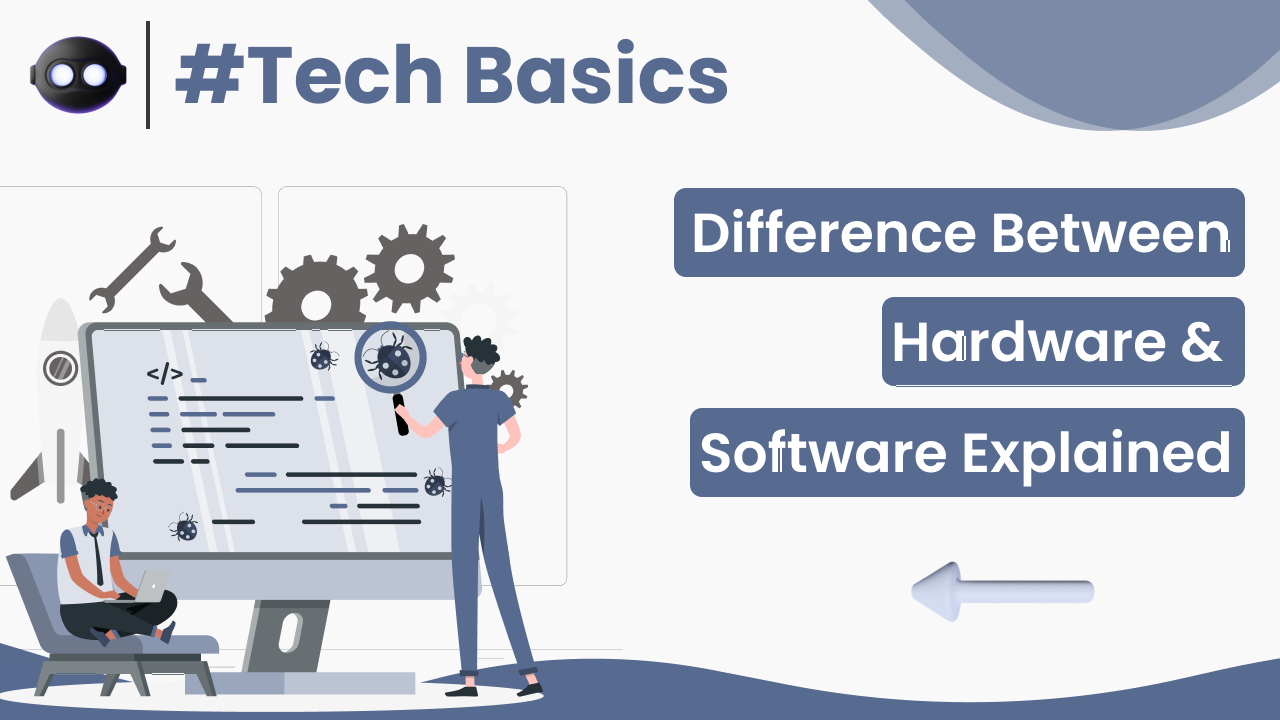
If you have ever used a computer, mobile phone, or laptop, you have interacted with both hardware and software — even if you didn’t realize it.
Many beginners get confused between these two terms. They sound technical, but the difference is actually very simple.
In this guide, you will clearly understand the difference between software and hardware explained in simple words, along with real-life examples and practical understanding.
What Is Hardware?
Hardware refers to the physical parts of a computer or electronic device that you can touch and see.
Examples of hardware include:
- Keyboard
- Mouse
- Monitor
- CPU
- Hard drive
- RAM
- Motherboard
If it has a physical presence, it is hardware.
More technical explanation can be found here:
https://en.wikipedia.org/wiki/Computer_hardware
What Is Software?
Software refers to the programs and instructions that run on hardware.
Software tells hardware what to do.
Examples of software include:
- Windows
- Android
- Microsoft Word
- Chrome browser
- Mobile apps
Software cannot be touched physically. It exists as code and digital instructions.
You can learn more about software basics here:
https://en.wikipedia.org/wiki/Software
Simple Real-Life Example
Think of a smartphone.
Hardware:
- Screen
- Battery
- Camera
- Processor
Software:
- Operating system (Android or iOS)
- Apps (WhatsApp, YouTube, Instagram)
Without software, hardware cannot function.
Without hardware, software cannot run.
Both depend on each other.
Key Differences Between Hardware and Software
| Feature | Hardware | Software |
|---|---|---|
| Physical form | Physical components | Digital programs |
| Can you touch it? | Yes | No |
| Example | Keyboard | Chrome browser |
| Failure type | Physical damage | Bugs or errors |
| Replacement | Replace part | Reinstall/update |
This table clearly shows their differences.
Types of Hardware
Hardware can be divided into categories.
1. Input Devices
- Keyboard
- Mouse
- Scanner
Used to give instructions to the computer.
2. Output Devices
- Monitor
- Printer
- Speakers
Used to display results.
3. Processing Devices
- CPU
- GPU
Process instructions.
4. Storage Devices
- Hard drive
- SSD
- USB drive
Store data.
Types of Software
Software also has categories.
1. System Software
- Windows
- macOS
- Linux
Controls hardware and system operations.
2. Application Software
- Microsoft Word
- Chrome
- Photoshop
Used for specific tasks.
3. Utility Software
- Antivirus
- Disk cleanup tools
Help maintain system performance.
How Hardware and Software Work Together
Let’s understand this step by step.
Example: You open a browser.
- You click the Chrome icon (software).
- The CPU processes the command (hardware).
- RAM temporarily stores data (hardware).
- The screen displays the website (hardware).
- The browser loads content (software).
Both work together continuously.
What Happens If Hardware Fails?
If hardware fails:
- Computer may not turn on.
- Screen may stop working.
- Storage may get damaged.
Hardware issues usually require repair or replacement.
What Happens If Software Fails?
If software fails:
- Apps may crash.
- System may freeze.
- Errors may appear.
Software issues are usually fixed by:
- Restarting
- Updating
- Reinstalling
Software problems are often easier to fix than hardware problems.
Which Is More Important?
Neither is more important.
Hardware provides the physical system.
Software provides the instructions.
Think of it like this:
- Hardware = Body
- Software = Brain
Without the brain, the body cannot function.
Without the body, the brain has nowhere to operate.
Can You Upgrade Hardware and Software?
Yes.
Hardware upgrades:
- Add more RAM
- Install SSD
- Replace graphics card
Software upgrades:
- Install updates
- Upgrade operating system
- Install newer versions of apps
Upgrading both improves performance.
Why Understanding the Difference Matters
Understanding hardware vs software helps you:
- Troubleshoot problems
- Decide upgrades
- Choose the right device
- Learn basic computer knowledge
If your computer is slow, the issue may be:
- Hardware limitation (low RAM)
- Software issue (too many background apps)
Knowing the difference helps you fix it correctly.
Final Thoughts
The difference between software and hardware explained simply comes down to this:
- Hardware is the physical part.
- Software is the digital instructions.
Both are essential.
Both depend on each other.
Neither can work alone.
Once you understand this basic concept, many other technology topics become easier to learn.
This is one of the most fundamental concepts in computer knowledge.