admin@technicalrvijay.com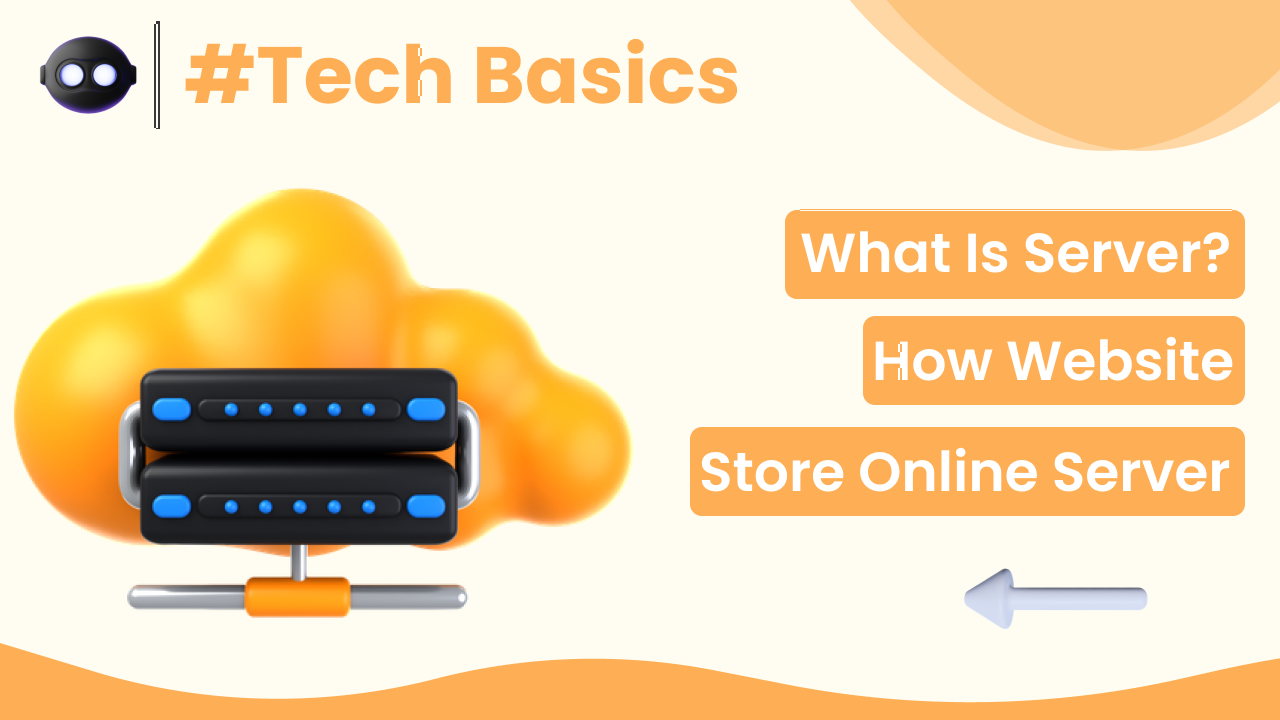
Every time you open a website, watch a video, or send an email, something powerful is working behind the scenes — a server. But what exactly is a server, and how are websites stored online?
If you are building a blog, learning web development, or simply curious about how the internet works, understanding this concept is essential.
In this guide, you will clearly understand what a server is and how websites are stored online, explained in simple and practical terms.
What Is a Server?
A server is a powerful computer that stores, processes, and delivers data to other computers over the internet.
When you visit a website:
- Your device sends a request.
- The server receives the request.
- The server sends the website files back.
- The website loads on your screen.
In simple words:
A server is a computer that provides services or data to other computers.
You can read more about servers here:
https://en.wikipedia.org/wiki/Server_(computing)
How Is a Server Different from a Normal Computer?
A server looks similar to a normal computer but has:
- Higher processing power
- Larger storage capacity
- Continuous internet connection
- Advanced security systems
- 24/7 operation
Unlike personal computers, servers are designed to run continuously without shutting down.
Where Are Servers Located?
Servers are stored inside large buildings called data centers.
Data centers contain:
- Thousands of servers
- Cooling systems
- Backup power supplies
- Security systems
Companies like Google and Amazon manage massive data centers worldwide.
You can learn about Google’s infrastructure here:
https://cloud.google.com/learn/what-is-a-data-center
How Websites Are Stored on Servers
A website is made up of:
- HTML files
- CSS files
- JavaScript
- Images
- Videos
- Databases
All these files are stored on a web server.
When someone types your website address into a browser:
- The browser sends a request to the server.
- The server processes the request.
- The server sends the website files.
- The browser displays the website.
This happens in seconds.
What Is Web Hosting?
Web hosting is the service that provides server space for your website.
Without hosting:
- Your website files cannot be stored online.
- Visitors cannot access your site.
Hosting companies rent server space to website owners.
For example, if you build a WordPress website, your hosting provider stores all WordPress files on their servers.
Official WordPress website:
https://wordpress.org/
What Is the Role of the Domain Name?
Your domain name (like example.com) acts as the address.
When someone types your domain:
- The Domain Name System (DNS) translates it into a server IP address.
- The browser connects to the correct server.
Google explains how search and web systems work here:
https://developers.google.com/search/docs/fundamentals/how-search-works
So:
- Domain = Address
- Server = Storage location
- Hosting = Service that manages server space
Types of Servers Used for Websites
There are different types of servers.
1. Shared Server
- Multiple websites share one server.
- Budget-friendly.
- Suitable for beginners.
2. VPS (Virtual Private Server)
- Divided server resources.
- Better performance.
3. Dedicated Server
- Entire server for one website.
- High performance.
- More expensive.
4. Cloud Server
- Uses multiple connected servers.
- Highly scalable.
- Flexible performance.
Most beginners start with shared hosting.
What Happens When You Visit a Website?
Let’s break it down simply.
Step 1: You Enter a Website Address
Example:
example.com
Step 2: DNS Finds the Server
The DNS system converts the domain into an IP address.
Step 3: Server Receives Request
The server identifies the requested files.
Step 4: Files Are Sent to Your Browser
The website appears on your screen.
This entire process usually takes less than a second.
Are Servers Always Online?
Yes.
Servers hosting websites operate:
- 24 hours a day
- 7 days a week
- 365 days a year
If a server goes offline:
- The website becomes inaccessible.
- Visitors see an error message.
That’s why hosting companies guarantee uptime percentages like 99.9%.
How Servers Keep Websites Secure
Servers include:
- Firewalls
- SSL encryption
- Regular backups
- Security monitoring
If you see “https” in a website URL, it means SSL encryption is active.
Security information about HTTPS can be found here:
https://developers.google.com/search/docs/advanced/security/https
Server security protects user data and website content.
What Is Server Load?
If too many users access a website at the same time:
- The server may slow down.
- Pages may load slowly.
High-quality hosting reduces performance issues.
Cloud Servers vs Traditional Servers
Cloud servers:
- Use multiple machines.
- Distribute traffic.
- Improve reliability.
Traditional servers:
- Depend on one machine.
- May fail if hardware fails.
Cloud hosting has become increasingly popular.
Final Thoughts
Understanding what a server is and how websites are stored online helps you see how the internet truly works behind the scenes.
In summary:
- A server is a powerful computer.
- Websites are stored on servers.
- Hosting provides server space.
- Domains direct users to the correct server.
Without servers, the internet would not function.
Every website you visit is delivered to you by a server working quietly in the background.
Once you understand this, building and managing websites becomes much clearer.