admin@technicalrvijay.com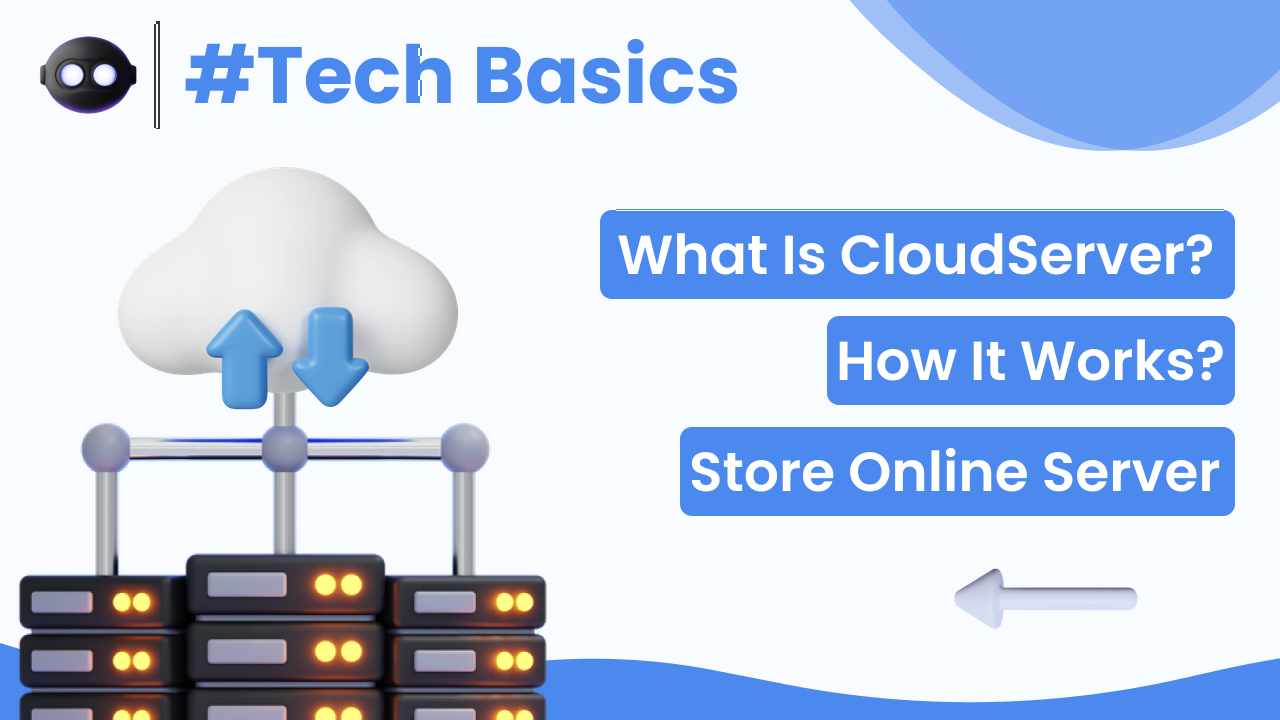
In today’s digital world, we store photos, videos, documents, and important files on our devices. But what happens if your phone is lost or your laptop crashes? This is where cloud storage becomes important.
If you have ever used Google Drive, Dropbox, or iCloud, you have already used cloud storage. But many people still don’t fully understand what it actually is and how it works.
In this guide, you will clearly understand what cloud storage is and how it works, in simple and practical terms.
What Is Cloud Storage?
Cloud storage is a service that allows you to store data on remote servers instead of your local device.
Instead of saving files only on your:
- Phone
- Laptop
- USB drive
You store them on internet-based servers maintained by cloud service providers.
These files can be accessed anytime using an internet connection.
In simple words:
Cloud storage is online storage for your data.
Google explains its cloud services here:
https://cloud.google.com/learn/what-is-cloud-storage
Why Cloud Storage Is Important
Cloud storage helps you:
- Protect files from device loss
- Access files from multiple devices
- Share files easily
- Save storage space on your device
It reduces the risk of permanent data loss.
How Cloud Storage Works
Understanding how cloud storage works is simple if you break it down step by step.
Step 1: File Upload
You upload a file to a cloud platform like:
- Google Drive
- OneDrive
- Dropbox
The file is transferred through the internet to remote data centers.
Step 2: Data Storage on Remote Servers
Your file is stored on powerful servers inside large data centers.
These data centers:
- Have backup systems
- Use strong security
- Run 24/7
Your file is often copied to multiple locations for safety.
Step 3: Data Access Through Internet
When you want to access the file:
- You log in to your account
- The system locates your file
- The server sends it back to your device
This process happens within seconds.
Where Is “The Cloud”?
The cloud is not a physical cloud in the sky.
It refers to:
- Large data centers
- Located around the world
- Connected through high-speed networks
These data centers are managed by companies like:
- Microsoft
- Amazon
Your data may be stored in multiple geographic locations for reliability.
Types of Cloud Storage
There are three main types:
1. Public Cloud Storage
- Managed by third-party companies
- Available to general users
- Example: Google Drive
This is most common for individuals.
2. Private Cloud Storage
- Used by companies
- Dedicated servers
- More control and privacy
Mostly used by businesses.
3. Hybrid Cloud Storage
- Combination of public and private cloud
- Used by larger organizations
Most individual users only interact with public cloud storage.
Examples of Cloud Storage Services
Some popular services include:
- Google Drive
- Microsoft OneDrive
- Dropbox
- Apple iCloud
Each provides free storage with optional paid upgrades.
For example, Google Drive information is available here:
https://support.google.com/drive/
Advantages of Cloud Storage
1. Data Backup
Your files remain safe even if your device is damaged.
2. Easy Access
Access files from any device with internet.
3. File Sharing
Share documents with friends or colleagues easily.
4. Automatic Sync
Changes made on one device update across all devices.
Is Cloud Storage Safe?
Cloud providers use:
- Data encryption
- Secure servers
- Two-factor authentication
- Regular monitoring
However, security also depends on you.
To keep your cloud storage safe:
- Use strong passwords
- Enable two-factor authentication
- Avoid public Wi-Fi when uploading sensitive data
Google’s security practices can be reviewed here:
https://safety.google/
Cloud Storage vs Local Storage
| Feature | Cloud Storage | Local Storage |
|---|---|---|
| Location | Remote servers | Your device |
| Internet required | Yes | No |
| Backup safety | High | Depends on device |
| Access from multiple devices | Yes | Limited |
Cloud storage offers flexibility and backup protection that local storage cannot always provide.
Common Misconceptions About Cloud Storage
“Cloud storage means my data is public.”
False. Data is private unless you share it.
“Cloud storage is free forever.”
Most services provide limited free storage, then require payment for more space.
“Cloud storage is unsafe.”
When used correctly with security settings, it is very secure.
When Should You Use Cloud Storage?
Cloud storage is useful if:
- You want automatic photo backup
- You work across multiple devices
- You need to share files frequently
- You want protection against data loss
It is especially helpful for students, professionals, and businesses.
Final Thoughts
Understanding what cloud storage is and how it works helps you make smarter decisions about managing your digital data.
Cloud storage:
- Stores files online
- Protects against data loss
- Allows easy access from anywhere
- Improves file sharing
It is not complicated technology — it is simply online storage managed by powerful servers.
In today’s connected world, cloud storage has become an essential part of everyday digital life.