admin@technicalrvijay.com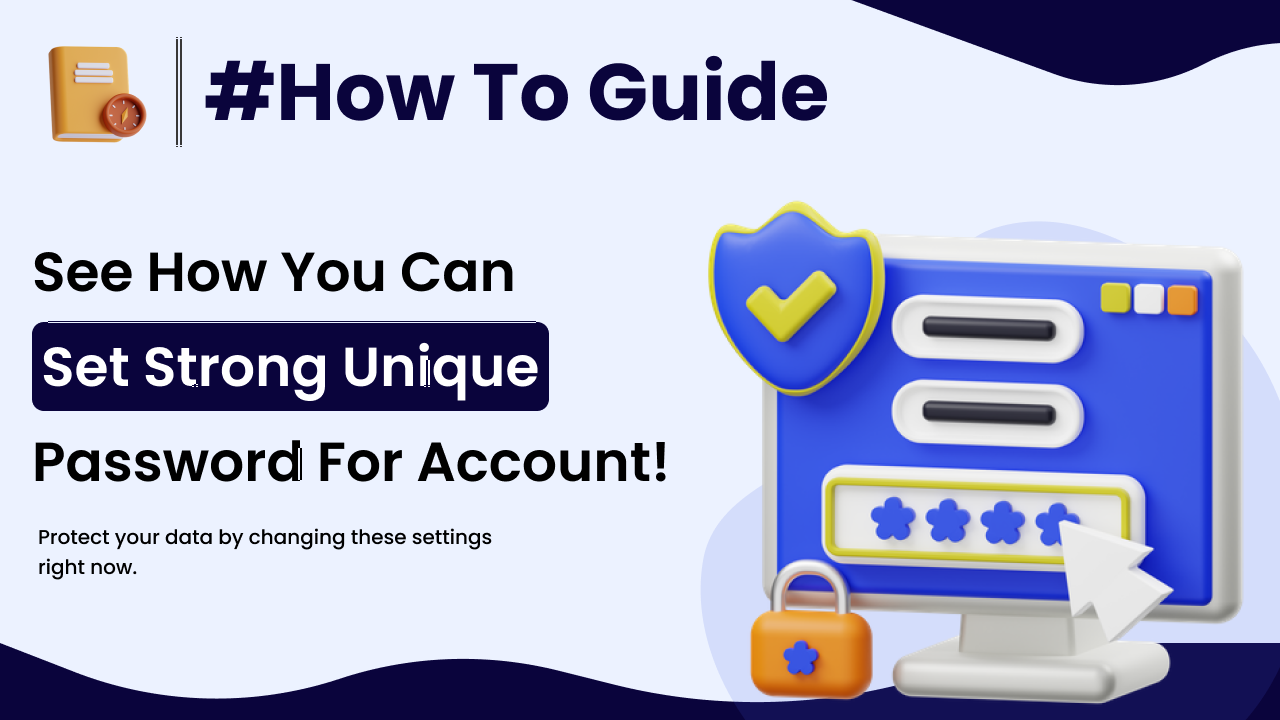
In today’s digital world, almost everything depends on online accounts — email, banking, shopping, social media, cloud storage, and more. And what protects all of these accounts?
Your password.
Unfortunately, weak passwords are one of the biggest reasons online accounts get hacked. Many people still use simple passwords like “123456” or their name with birth year. That makes hacking easy.
In this guide, you will learn how to set strong passwords for online accounts and protect your digital life effectively.
Why Strong Passwords Are Important
Your password is the first layer of defense.
If someone gains access to your email account, they can:
- Reset passwords for other websites
- Access personal messages
- Steal private information
- Lock you out of your own accounts
Weak passwords make hacking easier through:
- Brute-force attacks
- Dictionary attacks
- Credential stuffing
Strong passwords significantly reduce these risks.
For general online safety recommendations, you can review Google’s security guidance here:
https://safety.google/
What Makes a Password Strong?
A strong password has the following characteristics:
- At least 12–16 characters long
- A mix of uppercase and lowercase letters
- Includes numbers
- Includes special symbols
- Is unique for every account
Length is often more important than complexity alone.
Step 1: Use Long Passwords (Minimum 12 Characters)
Short passwords are easier to crack.
Example of weak password:
John123
Example of stronger password:
BlueSky@River2026!
Longer passwords take much more time and computing power to guess.
Step 2: Avoid Personal Information
Never use:
- Your name
- Birth date
- Phone number
- Pet’s name
- City name
Hackers often gather personal information from social media.
Using personal data makes passwords predictable.
Step 3: Create Passphrases Instead of Simple Words
A passphrase is a longer combination of random words.
Example:
TreeCoffee!Mountain92River
Passphrases are:
- Easier to remember
- Harder to crack
- More secure
Avoid common quotes or famous phrases.
Step 4: Never Reuse Passwords
Reusing passwords is one of the most dangerous habits.
If one website gets hacked and your password leaks, hackers may try the same password on:
- Banking
- Social media
This is called credential stuffing.
Always use different passwords for different accounts.
Step 5: Use a Password Manager
Managing many unique passwords can be difficult.
Password managers:
- Generate strong passwords
- Store them securely
- Autofill login details
Popular password managers include:
- Google Password Manager
- Bitwarden
- 1Password
Using a password manager improves both security and convenience.
Step 6: Enable Two-Factor Authentication (2FA)
Even strong passwords are safer with an extra security layer.
Two-Factor Authentication requires:
- Something you know (password)
- Something you have (code or device)
You can enable 2FA on most platforms.
For example, Google explains how to enable 2-step verification here:
https://support.google.com/accounts/answer/185839
2FA greatly reduces unauthorized access risk.
Step 7: Avoid Writing Passwords in Unsafe Places
Do not:
- Write passwords on paper openly
- Store passwords in plain text files
- Share passwords via messaging apps
If you must write them down, keep them in a secure location.
Password managers are a safer alternative.
Step 8: Change Passwords If Compromised
You should change passwords immediately if:
- You receive a security alert
- You notice suspicious login activity
- A website reports a data breach
You can check if your email was part of a known breach at:
https://haveibeenpwned.com/
Regular monitoring increases awareness.
Step 9: Avoid Common Password Patterns
Avoid predictable patterns like:
- 123456
- password123
- qwerty
- admin
- abc123
These are among the most commonly used passwords worldwide.
Hackers test these combinations first.
Step 10: Use Unique Passwords for Important Accounts
Your most critical accounts include:
- Banking
- Cloud storage
- Primary social media
These should always have:
- Unique passwords
- Two-factor authentication
- Regular security review
Your email account is especially important because it controls password resets for many services.
Common Mistakes People Make
Avoid these errors:
- Saving passwords in browser without device security
- Sharing passwords with friends
- Using the same password everywhere
- Ignoring security updates
- Using extremely short passwords
Security habits matter more than technology alone.
How Often Should You Change Passwords?
You do not need to change passwords monthly unless:
- There is a breach
- Suspicious activity occurs
Instead, focus on:
- Strong, unique passwords
- Two-factor authentication
- Regular account review
Frequent changes with weak passwords do not improve security.
Final Thoughts
Learning how to set strong passwords for online accounts is one of the simplest yet most powerful ways to protect your digital identity.
Strong passwords should be:
- Long
- Unique
- Random
- Combined with two-factor authentication
Online security is not about fear—it is about smart habits.
By creating strong passwords and following safe practices, you significantly reduce the risk of hacking and identity misuse.
Your digital safety begins with the password you choose today.