admin@technicalrvijay.com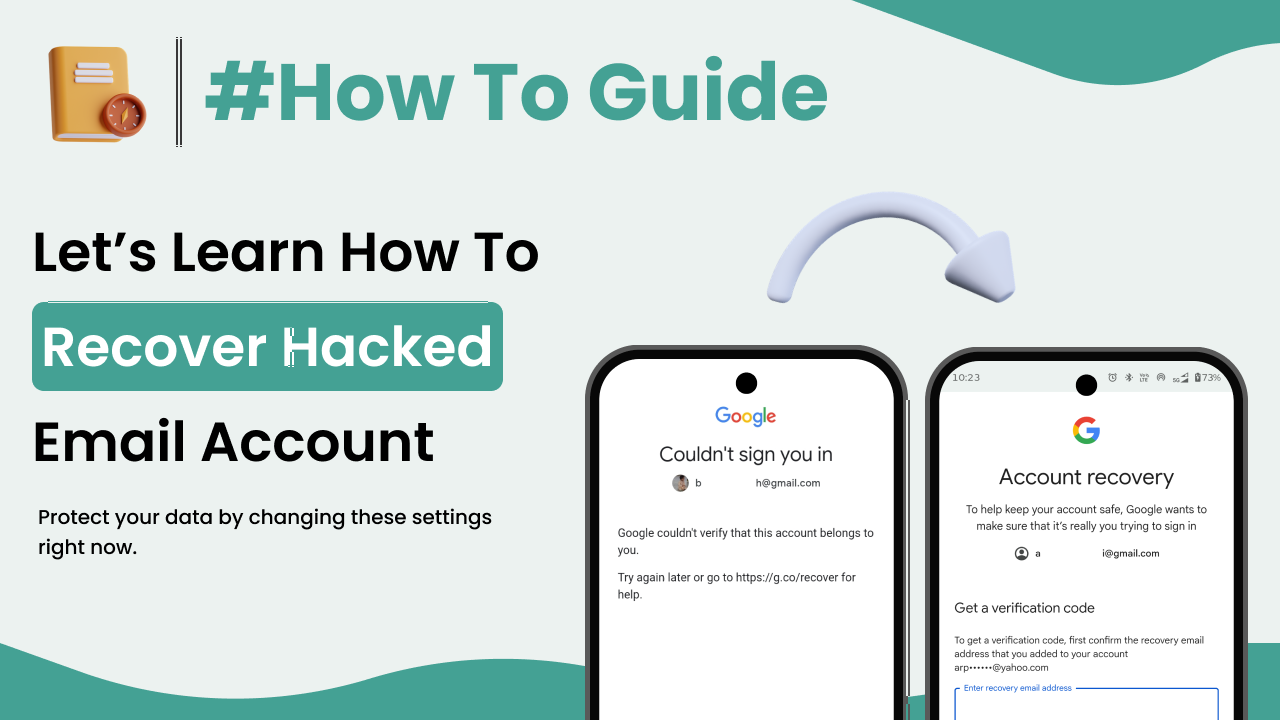
Losing access to your email account can feel stressful. Your email is connected to banking apps, social media, online shopping, cloud storage, and many other services. If it gets hacked, the attacker may reset passwords on other accounts and misuse your identity.
If you are wondering how to recover a hacked email account, this guide will walk you through safe, step-by-step actions you should take immediately.
Signs Your Email Account Has Been Hacked
Before recovery, confirm whether your account is compromised.
Common warning signs:
- You cannot log in with your password
- Password reset emails you didn’t request
- Emails sent from your account without your knowledge
- Security alerts about new device logins
- Recovery email or phone number changed
If you notice any of these signs, act immediately.
Step 1: Try Logging In Immediately
If you still have access:
- Log in to your account.
- Change your password immediately.
- Log out of all other sessions.
For Gmail account recovery, visit:
https://accounts.google.com/signin/recovery
Quick action increases the chance of recovery.
Step 2: Use the Official Account Recovery Page
If you cannot log in:
- Click “Forgot Password”
- Follow identity verification steps
- Enter last known password if possible
- Use recovery phone or recovery email
Always use official recovery links. Never trust links sent via suspicious emails.
For Gmail recovery guide:
https://support.google.com/accounts/answer/7682439
Step 3: Verify Your Identity Carefully
During recovery, you may need to:
- Enter a verification code sent to your phone
- Confirm recovery email
- Answer security questions
Be patient and accurate.
Incorrect attempts may delay recovery.
Step 4: Check Account Recovery Information
Once you regain access:
- Check recovery phone number
- Check recovery email
- Remove unknown information
Hackers often change recovery settings to prevent you from accessing the account again.
Step 5: Change Password Immediately
Create a strong new password:
- At least 12–16 characters
- Mix of uppercase and lowercase letters
- Numbers and special symbols
- Completely different from previous password
Example format (for understanding only):
StrongMail@2026Secure!
Never reuse passwords from other websites.
Step 6: Enable Two-Factor Authentication (2FA)
Two-factor authentication adds extra protection.
Even if someone knows your password, they cannot log in without a second verification code.
Enable it from:
Account Settings → Security → Two-Step Verification
Official Google 2FA guide:
https://support.google.com/accounts/answer/185839
This is one of the strongest defenses against future attacks.
Step 7: Review Account Activity
After recovery:
- Check sent emails
- Check login history
- Check connected devices
- Remove suspicious devices
Most email providers show recent activity logs in security settings.
Remove any unknown sessions immediately.
Step 8: Scan Your Device for Malware
Sometimes email accounts are hacked due to infected devices.
Run:
- Antivirus scan
- System updates
- Security updates
If your device is compromised, hackers can regain access even after password change.
Keeping your device secure is essential.
Step 9: Inform Your Contacts
If the hacker sent spam emails:
- Inform your contacts not to click suspicious links
- Warn them about possible scam messages
This prevents further damage and protects others.
Step 10: Secure Connected Accounts
Your email is often linked to:
- Social media
- Online banking
- E-commerce accounts
Immediately:
- Change passwords on critical accounts
- Enable 2FA everywhere possible
If your email was compromised, assume other accounts may also be at risk.
What If You Cannot Recover the Account?
If recovery fails:
- Contact official support of the email provider
- Provide identity verification documents if requested
- Report hacking activity
Avoid third-party “recovery services” claiming guaranteed recovery. Many are scams.
Common Mistakes to Avoid
Avoid these errors:
- Using weak passwords again
- Ignoring recovery alerts
- Sharing verification codes
- Clicking unknown email links
- Logging into suspicious websites
Email security depends on both settings and awareness.
How to Prevent Future Email Hacking
To avoid future incidents:
- Use unique strong passwords
- Enable two-factor authentication
- Update recovery details
- Avoid public Wi-Fi for login
- Check account activity regularly
Online safety information from Google:
https://safety.google/
Security is an ongoing habit—not a one-time setup.
Final Thoughts
Understanding how to recover a hacked email account helps you respond quickly and safely.
If hacked:
- Try immediate login
- Use official recovery tools
- Change password
- Enable two-factor authentication
- Secure connected accounts
Speed and accuracy matter most during recovery.
By following these steps and maintaining strong security habits, you can protect your digital identity and reduce the risk of future attacks.